
Blender's UI, as a library
Blender's interface, for your app.
BUI lifts Blender's widgets and the way they feel out of Blender and into a small, fast C library. Keep the syntax you know: tkinter, Qt, Rust, React, Dear ImGui or C.
pip install blenderuiPython 3.11+: tkinter, Qt syntax, components, Dear ImGui
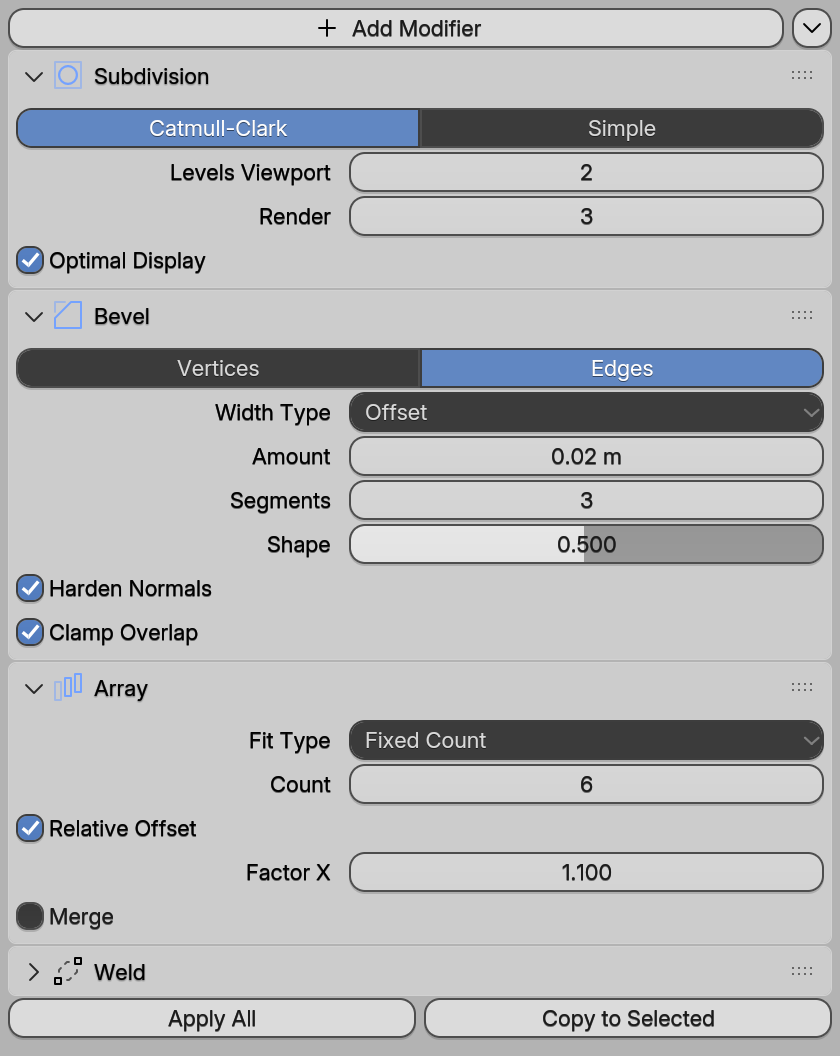
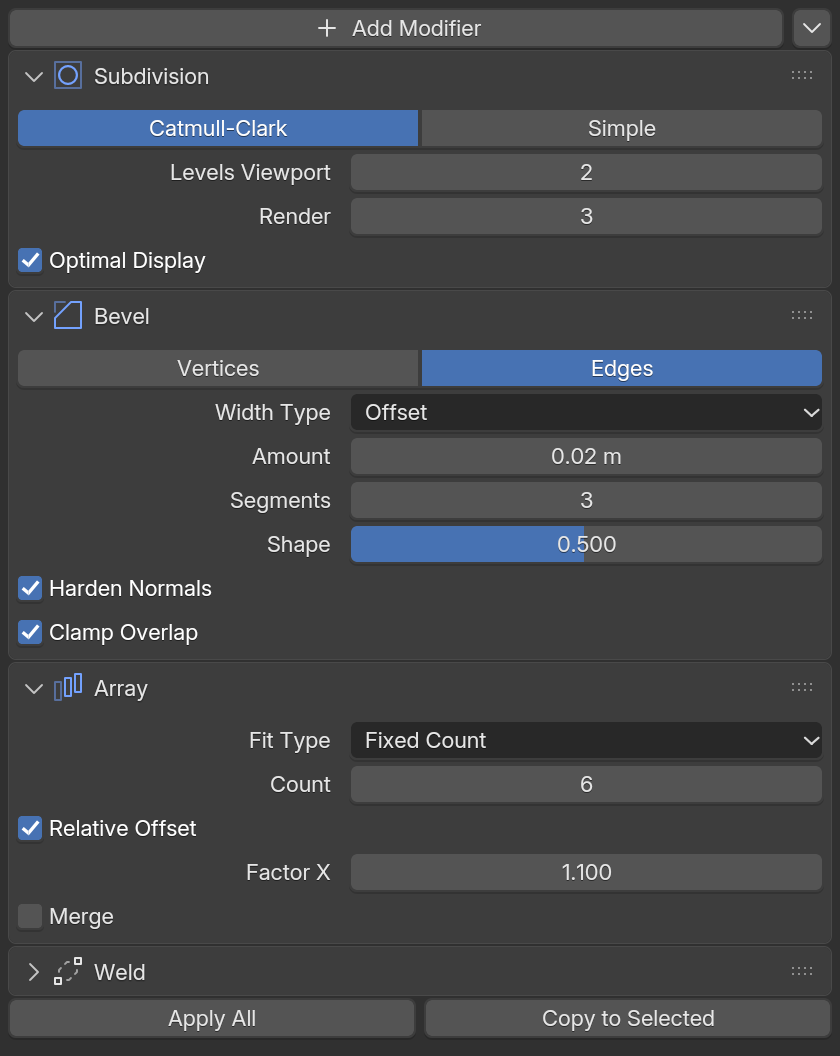
Fast by design
Starts in milliseconds, then sleeps
Damage rendering redraws only the widget that changed. On the same gpui code, BUI shows its first frame about 5× sooner than gpui and uses a fraction of the CPU.
First frame40× sooner
~5ms
BUI~5 msgpui-fast~200 ms3000 animated cells
Start, same code5.8× faster start
40ms
BUI40 msgpui231 msthe same gpui code, compiled three ways
CPU per frame2.8× less CPU
11.6ms
BUI11.6 msgpui-fast31.9 ms + GPU3000 cells, GPU renderer
Idle CPU per minuteNothing while idle
0ms
BUI0 msgpui743 msit sleeps until something changes
First frame
Rust, 3000 animated cells: from launch to the first frame on screen
Lower is better
40×sooner on screen than gpui-fast
- BUI
- Others
- blenderuiGPU renderer~5 ms
- blenderuiCPU renderer~5 ms
- gpui-fast~200 ms40× more
- gpui~220 ms44× more
Open benchClose bench
| blenderui (GPU) | blenderui (CPU) | gpui-fast | gpui | |
|---|---|---|---|---|
| FPS | 59.9 | 57.6 | 31.5 | 19.9 |
| CPU per frame | 11.6 ms | 22.0 ms | 31.9 ms + GPU | 50.5 ms + GPU |
| RAM | 40 MB | 30 MB | 65 MB | 77 MB |
| First frame | ~5 ms | ~5 ms | ~200 ms | ~220 ms |
| Idle CPU | 0 % | 0–0.9 % | 0–0.4 % | 0.9–1.4 % |
gpui-fast's heavy-scene frame rate varies between sessions on this laptop (30–60 fps), so compare within one session.
Source: README.md#performance · Ryzen 7 5800U laptop, Windows 11, on AC power
Start time, same gpui code
One gpui-syntax file compiled against each library; median of 10 launches
Lower is better
5.7×faster start than gpui-fast
- BUI
- Others
- blenderuiCPU renderer40 ms
- blenderuiGPU renderer43 ms
- gpui-fastGPU226 ms5.7× more
- gpuiZed's, GPU231 ms5.8× more
Open benchClose bench
| Same gpui code | Renderer | Start time | CPU used to start | Memory (idle) | Idle CPU per minute |
|---|---|---|---|---|---|
| blenderui | CPU | 40 ms | 27 ms | 15 MB | 0 ms |
| blenderui | GPU | 43 ms | 60 ms | 31 MB | 2.1 ms |
| gpui | GPU | 231 ms | 226 ms | 29 MB | 743 ms |
| gpui-fast | GPU | 226 ms | 217 ms | 31 MB | 2.5 ms |
gpui has no form widgets, so there the controls are styled divs. Memory doesn't count GPU memory.
Source: README.md#performance · Ryzen 7 5800U laptop, Windows 11, on AC power
CPU per frame
Rust, 3000 animated cells; gpui's numbers don't include its GPU time
Lower is better
2.8×less CPU per frame than gpui-fast
- BUI
- Others
- blenderuiGPU renderer11.6 ms
- blenderuiCPU renderer22.0 ms
- gpui-fast31.9 ms + GPU2.8× more
- gpui50.5 ms + GPU4.4× more
Open benchClose bench
| blenderui (GPU) | blenderui (CPU) | gpui-fast | gpui | |
|---|---|---|---|---|
| FPS | 59.9 | 57.6 | 31.5 | 19.9 |
| CPU per frame | 11.6 ms | 22.0 ms | 31.9 ms + GPU | 50.5 ms + GPU |
| RAM | 40 MB | 30 MB | 65 MB | 77 MB |
| First frame | ~5 ms | ~5 ms | ~200 ms | ~220 ms |
| Idle CPU | 0 % | 0–0.9 % | 0–0.4 % | 0.9–1.4 % |
gpui-fast's heavy-scene frame rate varies between sessions on this laptop (30–60 fps), so compare within one session.
Source: README.md#performance · Ryzen 7 5800U laptop, Windows 11, on AC power
RAM
Rust, 3000 animated cells
Lower is better
2.6×less RAM than gpui (CPU renderer)
- BUI
- Others
- blenderuiGPU renderer40 MB
- blenderuiCPU renderer30 MB
- gpui-fast65 MB2.2× more
- gpui77 MB2.6× more
Open benchClose bench
| blenderui (GPU) | blenderui (CPU) | gpui-fast | gpui | |
|---|---|---|---|---|
| FPS | 59.9 | 57.6 | 31.5 | 19.9 |
| CPU per frame | 11.6 ms | 22.0 ms | 31.9 ms + GPU | 50.5 ms + GPU |
| RAM | 40 MB | 30 MB | 65 MB | 77 MB |
| First frame | ~5 ms | ~5 ms | ~200 ms | ~220 ms |
| Idle CPU | 0 % | 0–0.9 % | 0–0.4 % | 0.9–1.4 % |
gpui-fast's heavy-scene frame rate varies between sessions on this laptop (30–60 fps), so compare within one session.
Source: README.md#performance · Ryzen 7 5800U laptop, Windows 11, on AC power
Ryzen 7 5800U laptop, Windows 11, on AC power. Measured before the latest features (ImGui, the Linux GPU renderer, the Blender search and expression code) landed. Your numbers will differ; the tools ship with the repo. gpui figures don't include their GPU time.
Pick your way in
Write it the way you already write UI
Five languages, a dozen syntaxes, one C runtime. Every snippet comes from the repository's docs and examples.
Your tkinter app, unchanged
Every public tkinter and ttk name is there: 7,846 of 7,846. Run an existing program with blenderui-tk and it wakes up looking like Blender.
import blenderui.tksyntax as tkfrom blenderui.tksyntax import ttk, messagebox
root = tk.Tk()name = tk.StringVar(value="Cube")ttk.Entry(root, textvariable=name).pack(fill="x", padx=8, pady=8)ttk.Button(root, text="Greet",           command=lambda: messagebox.showinfo("Hi", "Hello " + name.get())).pack()root.mainloop()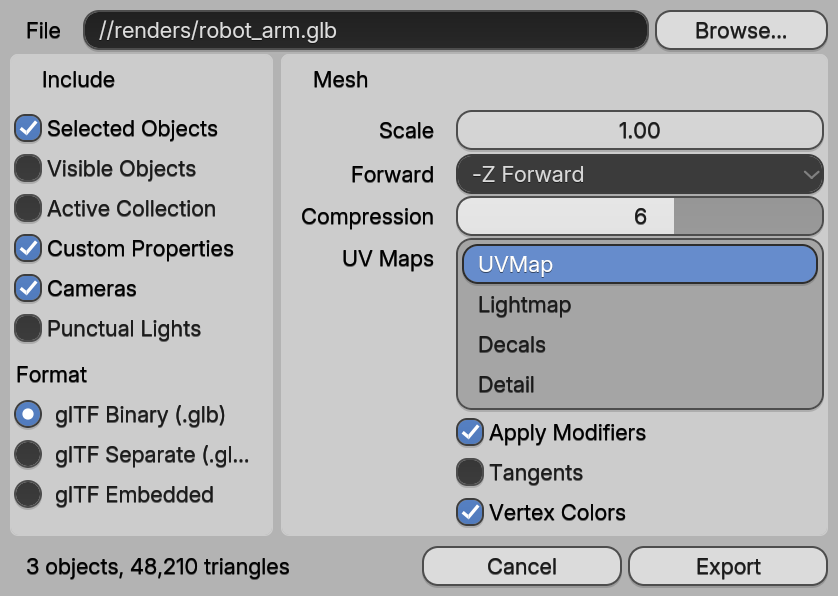
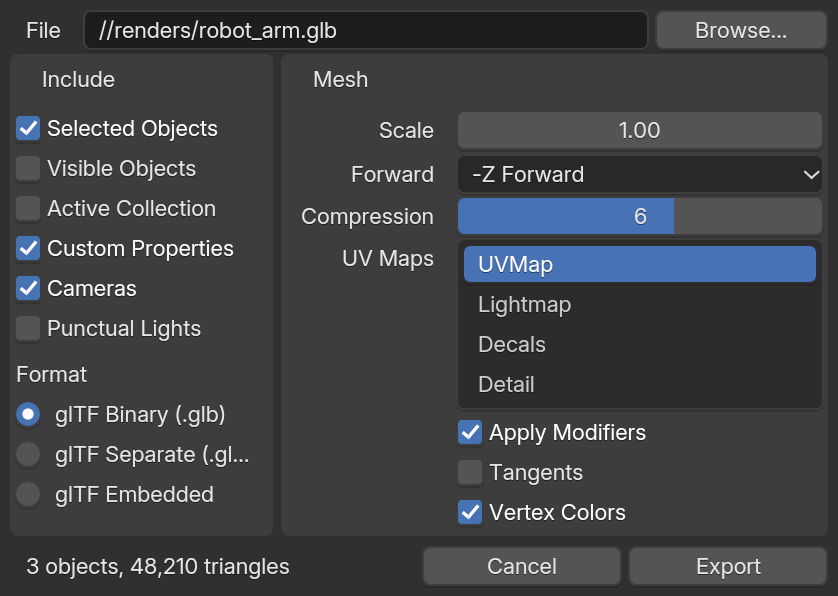
$ pip install blenderui && blenderui-tk my_app.py
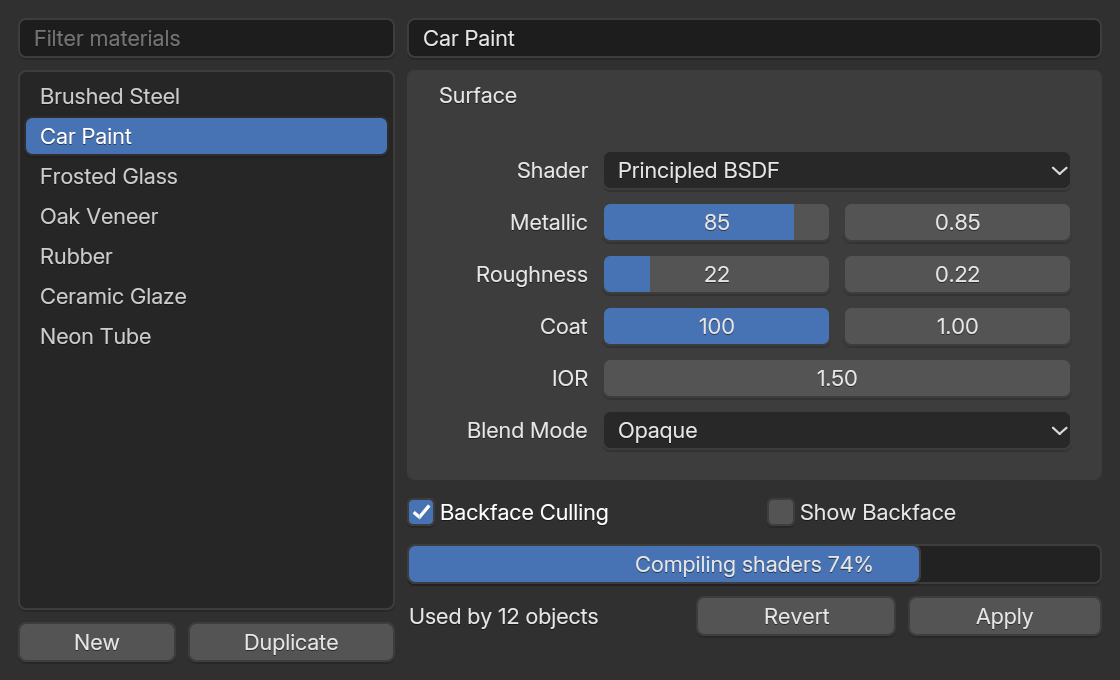
Qt-style Python, no Qt required
QWidget, layouts, signals and clicked.connect, drawn by BUI. The everyday subset works today; more is on the way.
from blenderui.qtsyntax import (QApplication, QMainWindow, QWidget, QVBoxLayout,                                QFormLayout, QLineEdit, QSlider, QProgressBar, Qt)
app = QApplication([])win = QMainWindow()central = QWidget()layout = QVBoxLayout(central)
form = QFormLayout()level = QSlider(Qt.Horizontal)level.setRange(0, 100)bar = QProgressBar()level.valueChanged.connect(bar.setValue)   # signals connect to any callableform.addRow("Name:", QLineEdit())form.addRow("Level:", level)form.addRow("Progress:", bar)layout.addLayout(form)
win.setCentralWidget(central)win.show()app.exec()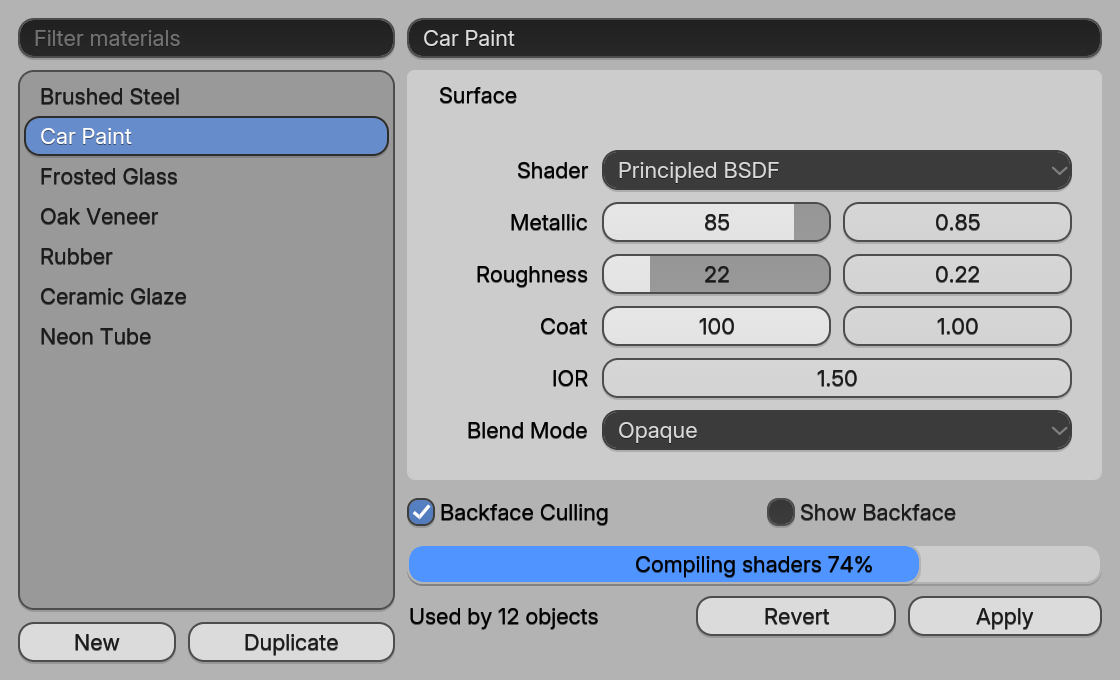
$ pip install blenderui
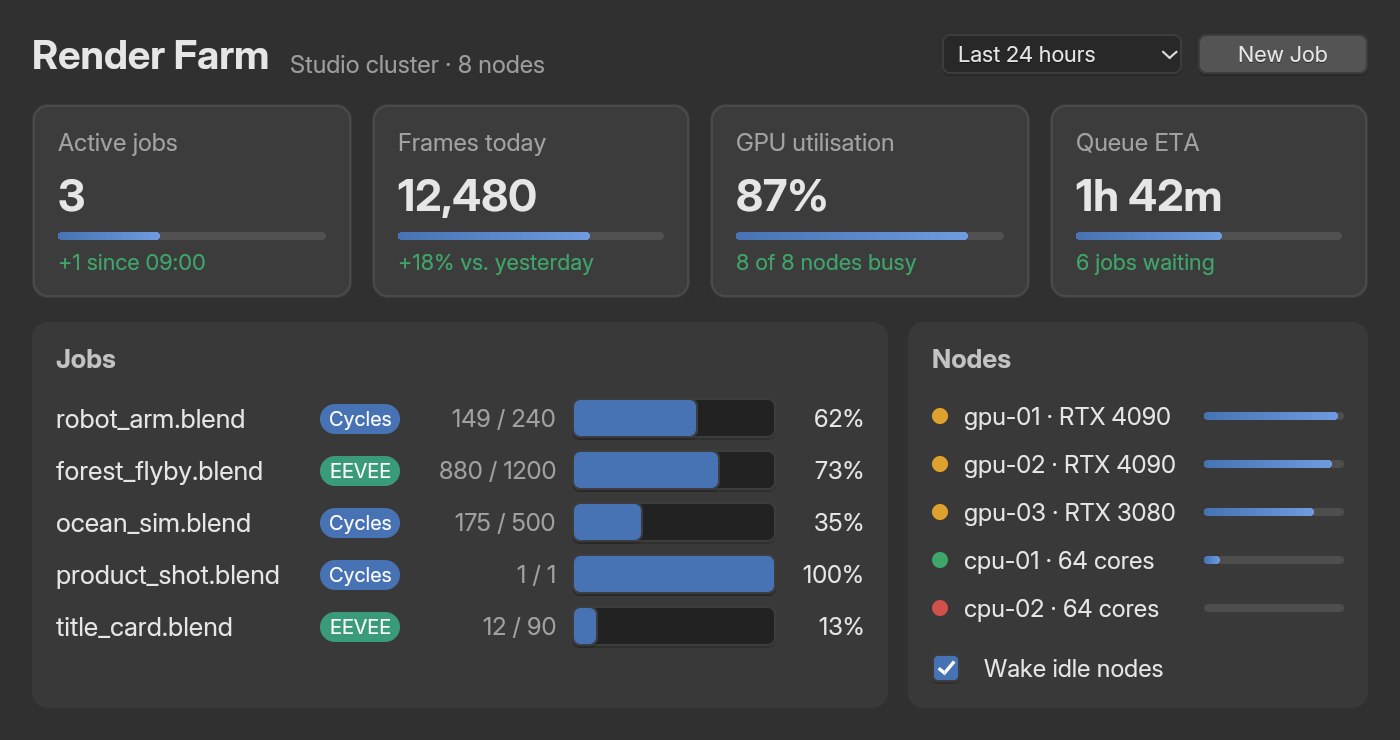
HTML, CSS and Tailwind, natively
rsx!, components and hooks, all 113 HTML elements and modern CSS. Add <NumberSlider> and you get Blender's real slider. Typos in Tailwind classes fail to compile, politely.
use blenderui::prelude::*;
struct Hello;
impl Render for Hello {    fn render(&mut self, _: &mut Window, _: &mut Context<Self>) -> impl IntoElement {        rsx! {            <body m-0 p-6 flex flex-col gap-4 bg-zinc-900 text-white>                <h1 text-2xl font-bold>"Hello, BUI"</h1>                <NumberSlider min={0.0} max={10.0} value="5" />   // a real Blender slider            </body>        }    }}
fn main() {    Application::new().run(|cx| {        cx.open_window(WindowOptions::default(), |_, cx| cx.new(|_| Hello)).unwrap();    });}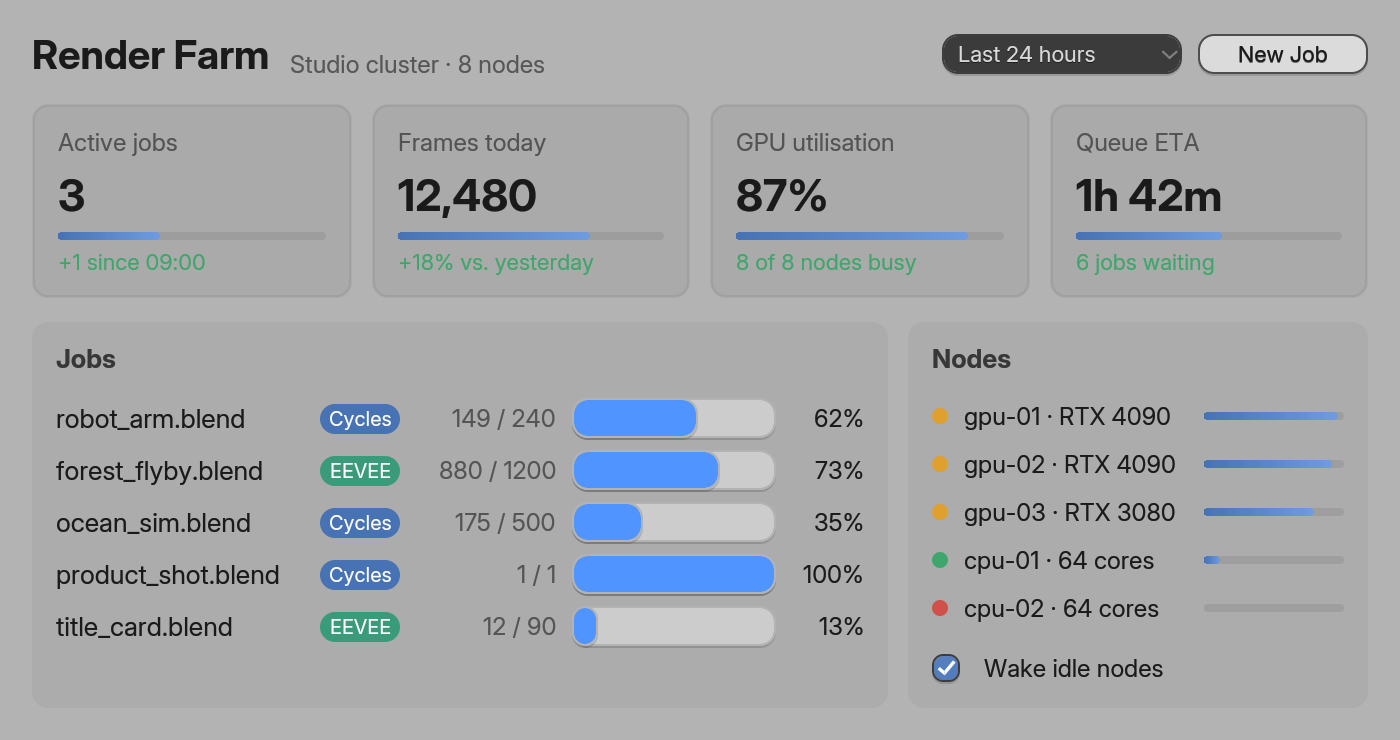
$ cargo add blenderui
gpui code compiles unchanged
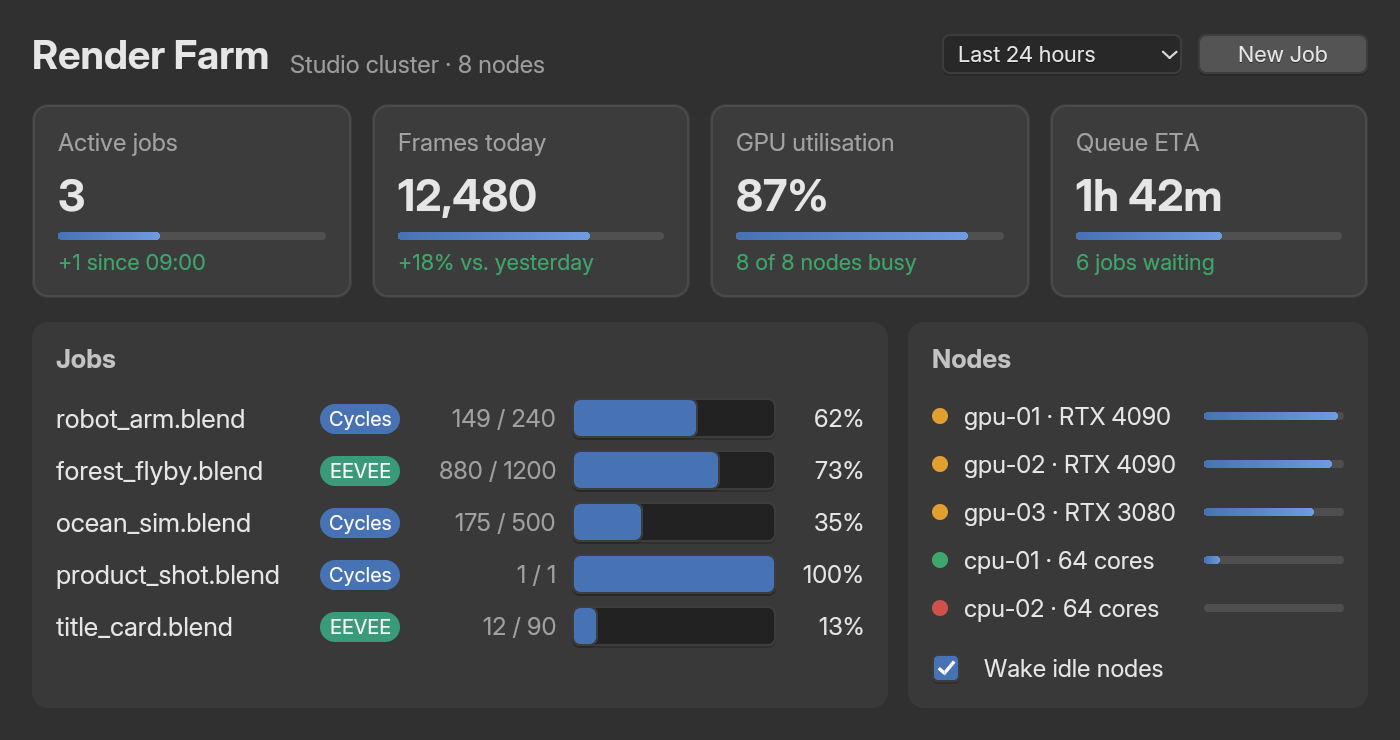
The same file builds against Zed's gpui, gpui-fast and blenderui. This is the benchmark's settings window: on blenderui it shows its first frame in 40 ms instead of 231 ms.
impl Render for Settings { fn render(&mut self, window: &mut Window, _cx: &mut Context<Self>) -> impl IntoElement { let field = |label: &'static str| { div().flex().items_center().gap(px(8.0)) .child(div().w(px(70.0)).text_color(rgb(0xb8b8b8)).child(label)) .child(div().flex_1().h(px(20.0)).px(px(6.0)).rounded(px(4.0)).bg(rgb(0x1d1d1d)) .border_1().border_color(rgb(0x3d3d3d)).text_color(rgb(0xe6e6e6)).child("Cube")) }; div() .size_full().flex().flex_col().gap(px(8.0)).p(px(12.0)) .bg(rgb(0x303030)).text_color(rgb(0xe6e6e6)).text_size(px(13.0)) .child(div().text_size(px(16.0)).child("Settings")) .child(field("Name")) .child(div().w(px(80.0)).h(px(22.0)).rounded(px(4.0)).bg(rgb(0x545454)) .flex().items_center().justify_center().child("Apply")) }}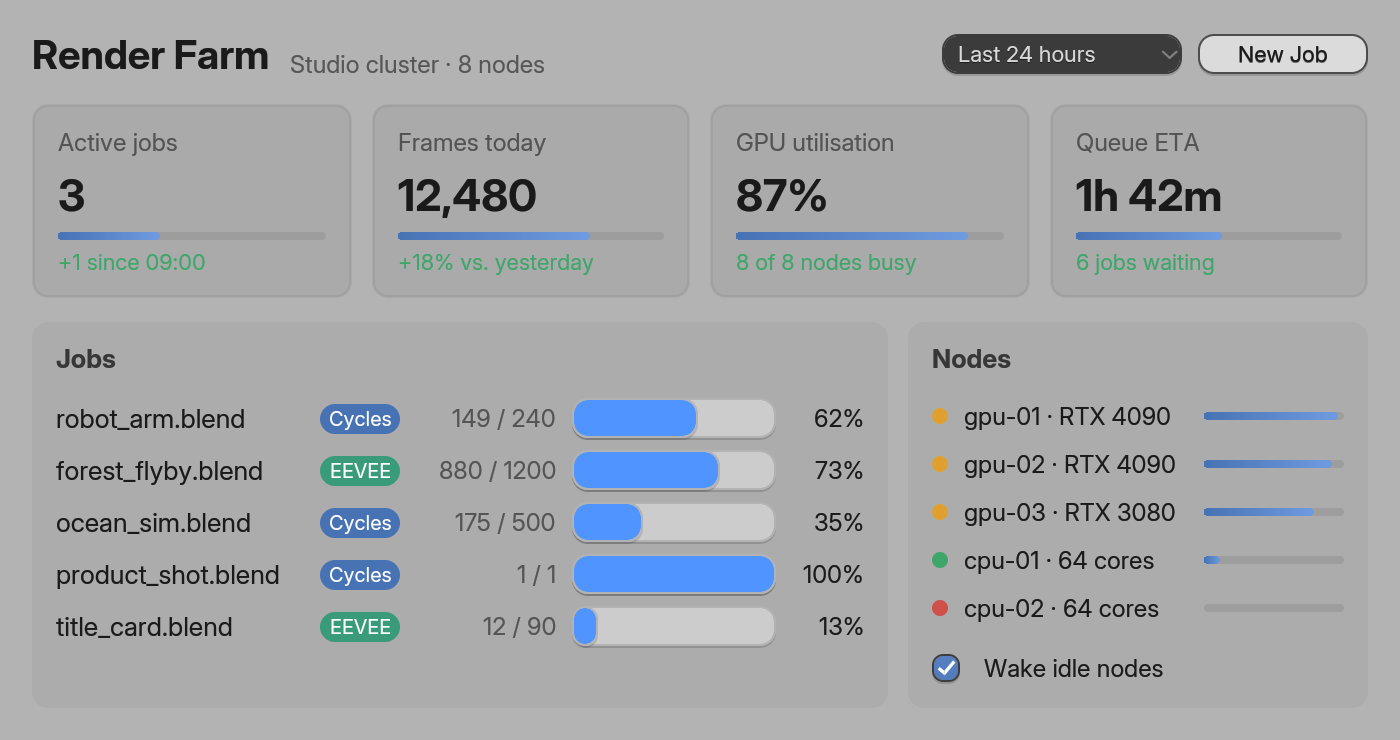
$ cargo add blenderui
Plain HTML elements, as functions
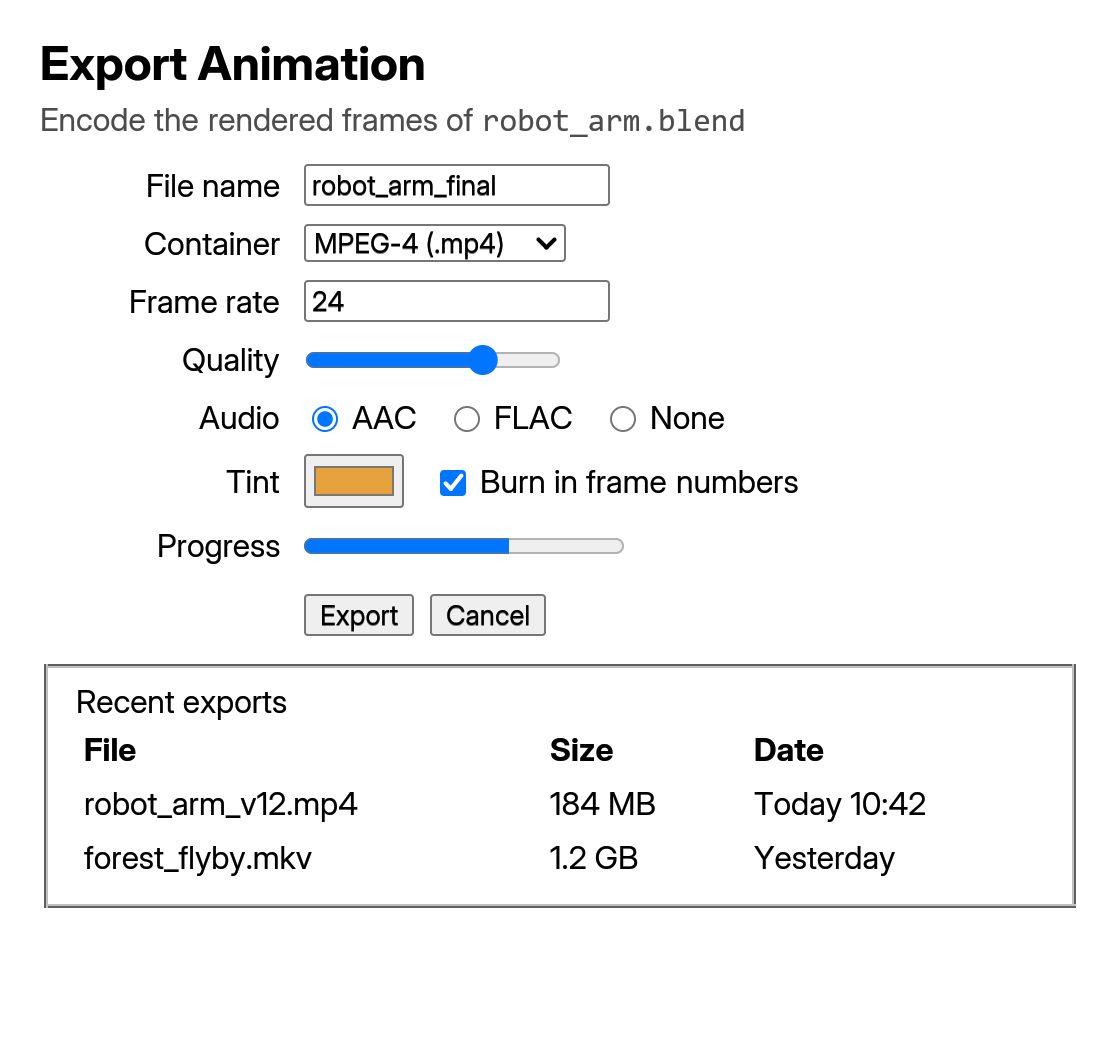
One constructor per HTML element (h2(), ul(), input(), button() …) and gpui's app model. Elements with an id keep their state across renders; cx.notify() re-renders.
use blenderui::prelude::*;
struct Todo { items: Vec<String>, draft: String }
impl Render for Todo {    fn render(&mut self, _: &mut Window, cx: &mut Context<Self>) -> impl IntoElement {        div().p_4().flex().flex_col().gap_2()            .child(h2().child(format!("{} items", self.items.len())))            .child(ul().children(self.items.iter().map(|s| li().child(s.clone()))))            .child(div().flex().gap_2()                .child(input().id("draft").placeholder("New item").value(self.draft.clone())                    .on_change(cx.listener(|this, e: &ChangeEvent, _, cx| {                        this.draft = e.value.clone();                        cx.notify();                    })))                .child(button().child("Add").on_click(cx.listener(|this, _, _, cx| {                    this.items.push(std::mem::take(&mut this.draft));                    cx.notify();                }))))    }}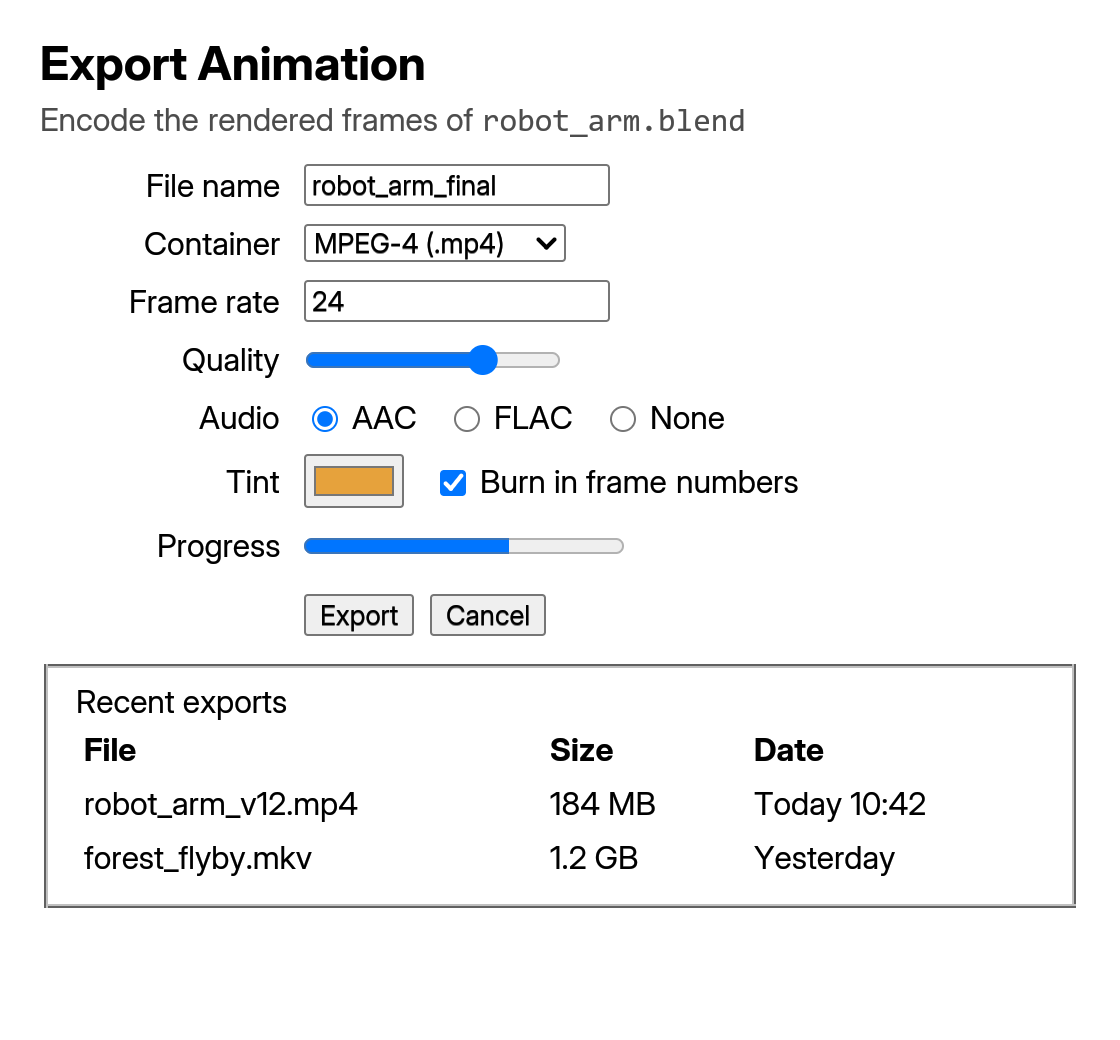
$ cargo add blenderui
React, without a browser
React 19.3 renders straight to BUI on Node.js or Bun. Hooks keep React's names but hold signals, so a change can update one node without a re-render.
/** @jsxImportSource @blender-ui/react */import { render, useState, NumberSlider } from "@blender-ui/react"
function Counter() {  const [count, setCount] = useState(0)  return (    <main styled className="p-6 flex flex-col gap-3">      <span>Clicks: {count}</span>      <button onClick={() => setCount((c) => c + 1)}>Add one</button>      <NumberSlider min={0} max={10} />    </main>  )}
render(<Counter />, { title: "Counter", width: 360, height: 200, gpu: true })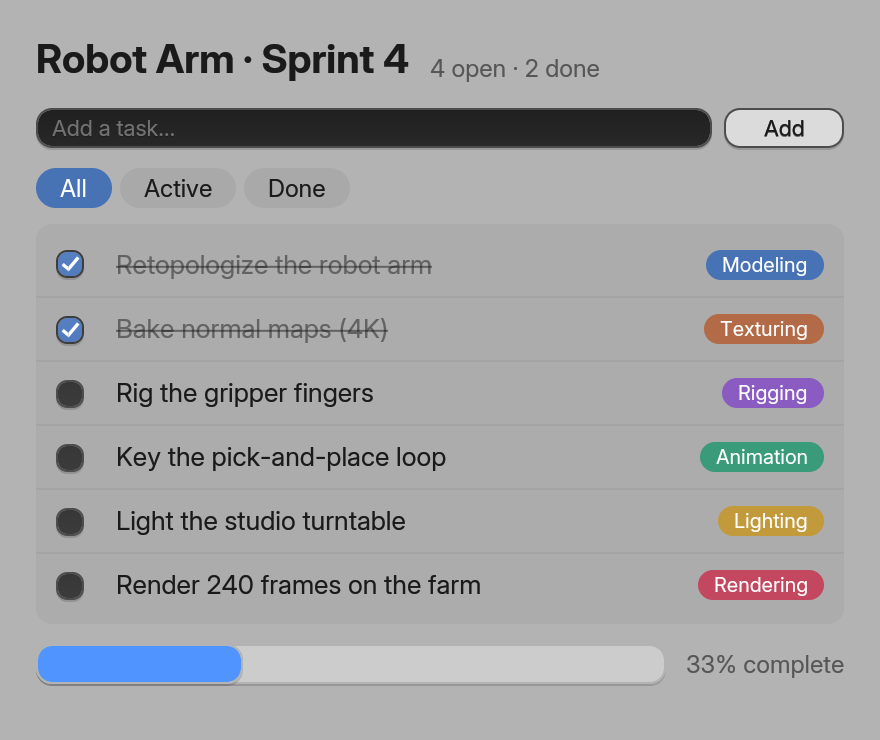
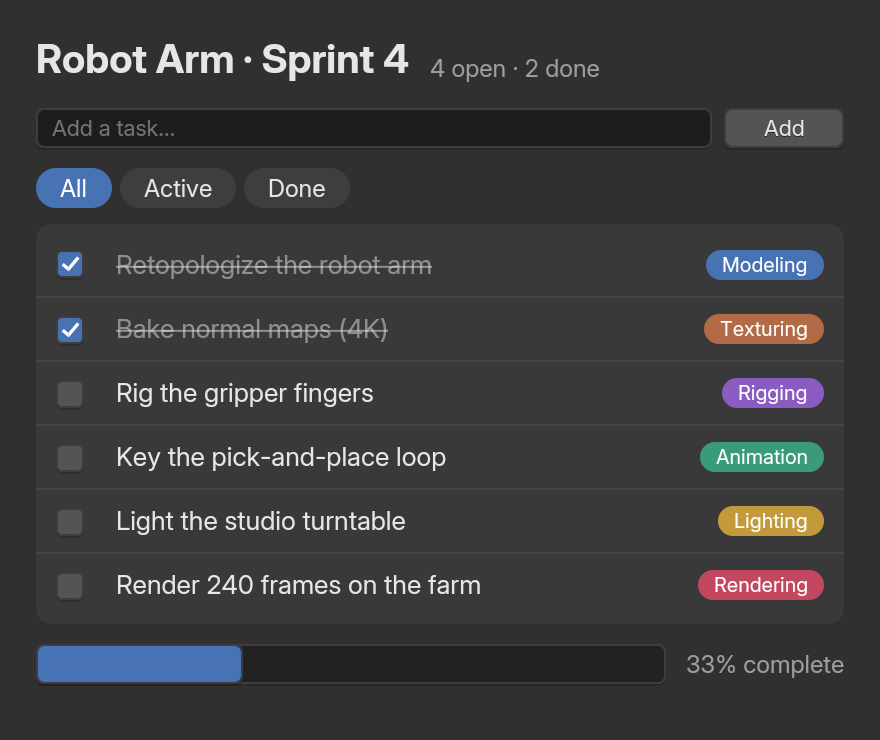
$ npm install @blender-ui/react react
A DOM you already know, minus the browser
createElement, appendChild, addEventListener and className with Tailwind. Any attribute can be a signal: bind it once and the node follows.
const { App, signal } = require('@blender-ui/native')
const app = new App({ gpu: true })const win = app.window({ title: 'Hello', width: 360, height: 220 })win.body.setAttribute('styled', '') // Blender's look for the pagewin.body.className = 'm-0 p-6 flex flex-col gap-3 bg-[#2b2b2b] text-[#e6e6e6]'
const clicks = signal(0)const label = win.createElement('span')label.textContent = clicks // bound: follows the signalconst button = win.createElement('button')button.textContent = 'Add one'button.addEventListener('click', () => clicks.value++)win.body.appendChild(label)win.body.appendChild(button)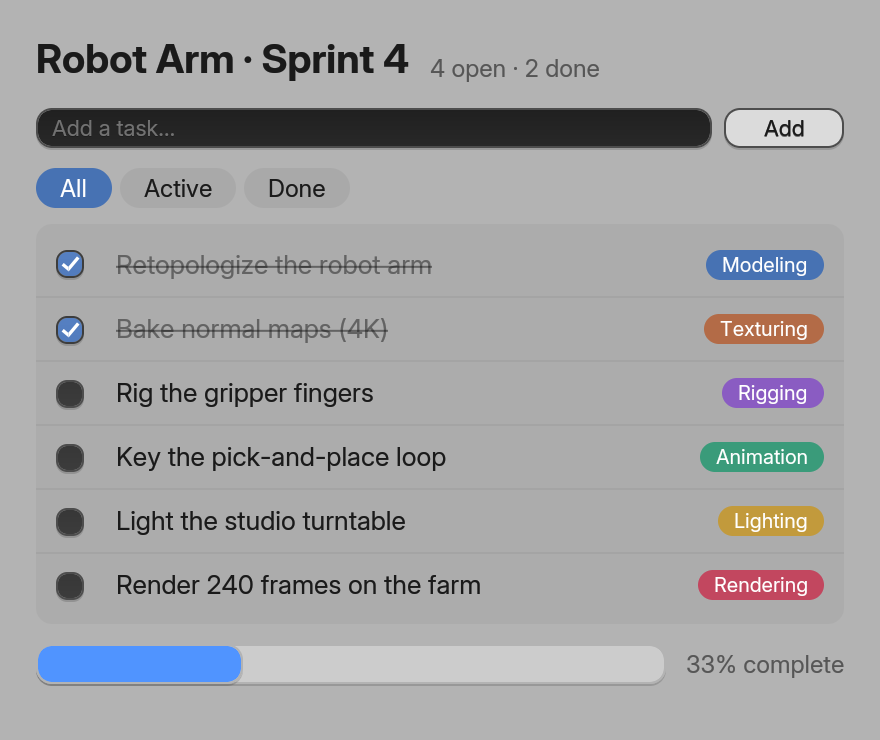
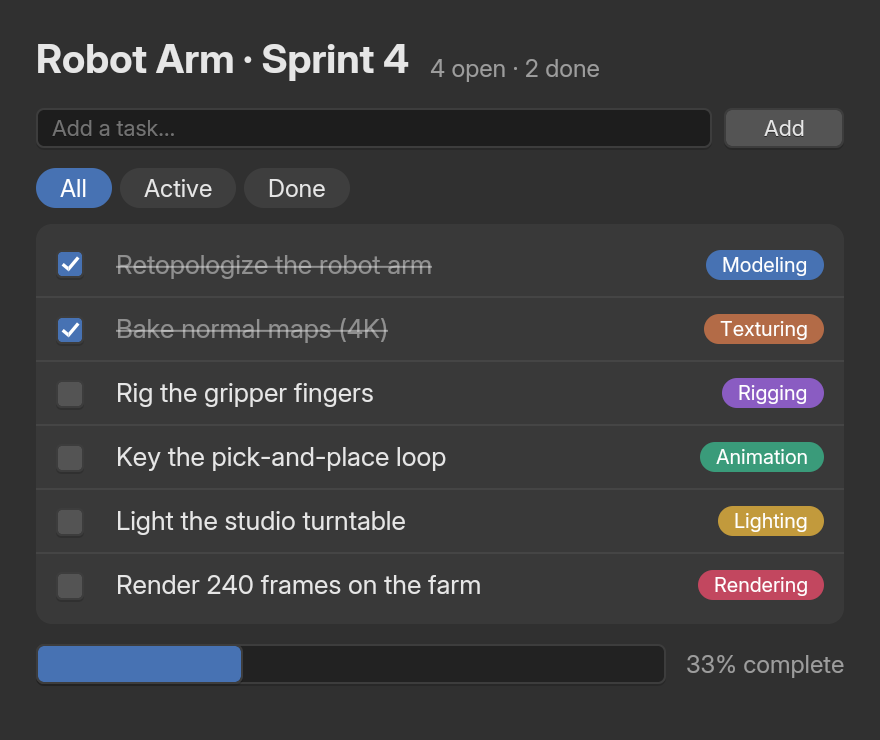
$ npm install @blender-ui/native
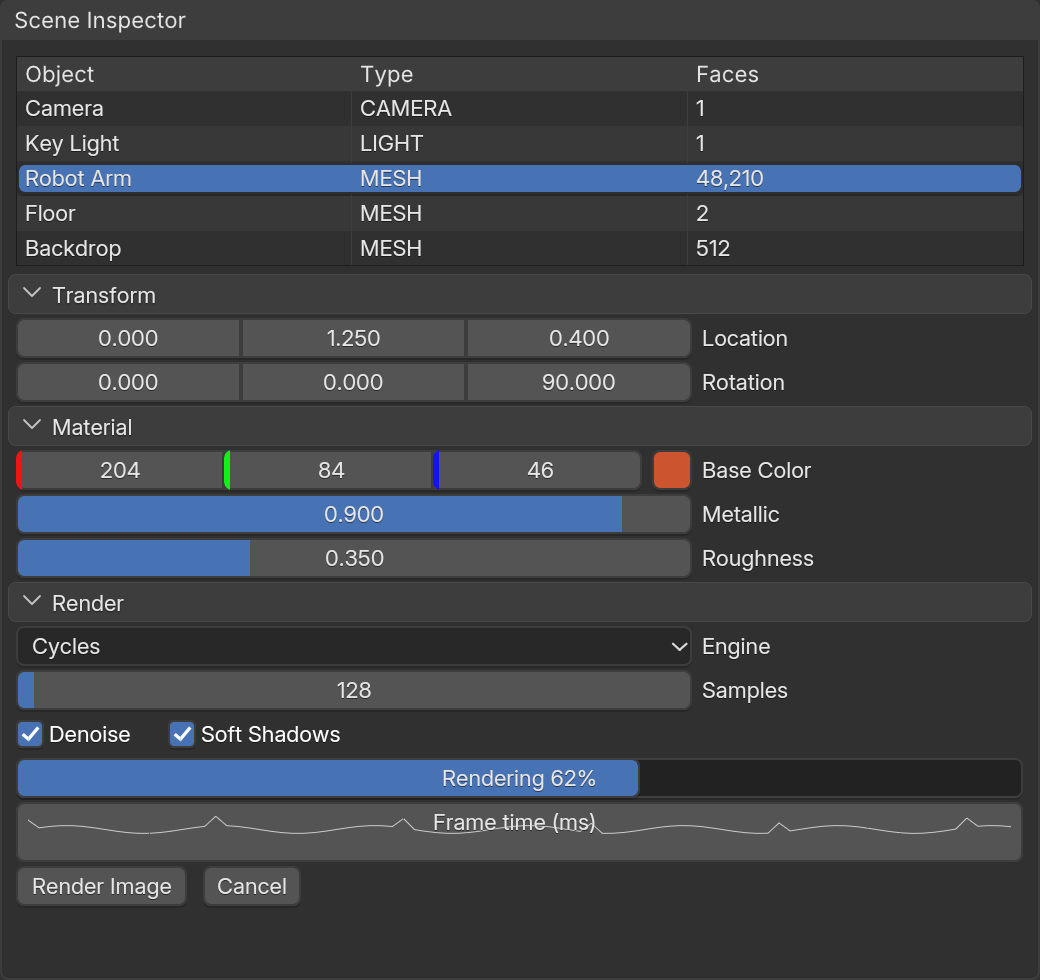
The real Dear ImGui, in Blender's clothes
Existing ImGui code compiles unchanged. Flip one build option (BUI_IMGUI_BLENDER_WIDGETS) and DragFloat becomes Blender's drag-to-scrub field.
#include "imgui.h"#include "imgui_impl_bui.h"
static void frame(void*) { ImGui::ShowDemoWindow(); }
int main() {  ImGui::CreateContext();  ImGui_ImplBUI_App* app = ImGui_ImplBUI_CreateApp("Dear ImGui on BUI", 1280, 800, frame, nullptr);  ImGui_ImplBUI_RunApp(app);       // BUI's message loop until the window closes  ImGui_ImplBUI_DestroyApp(app);  ImGui::DestroyContext();}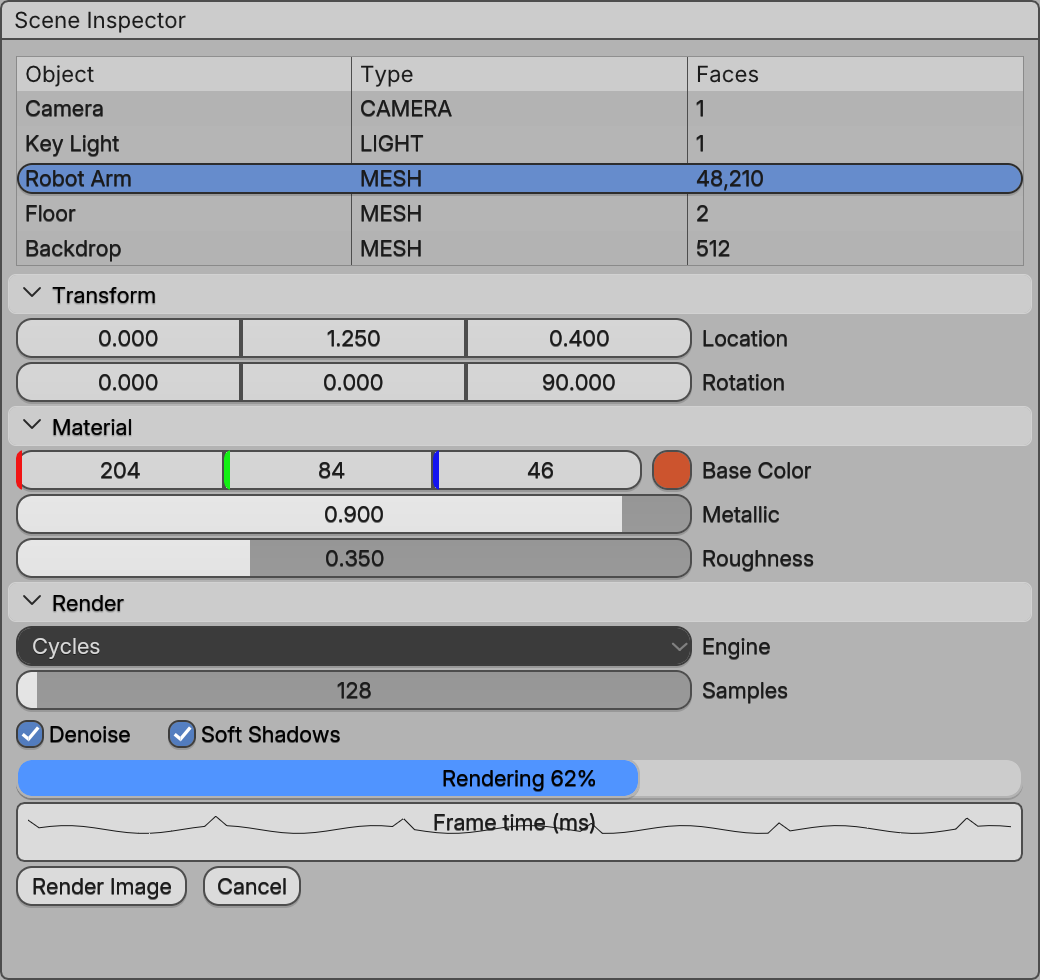
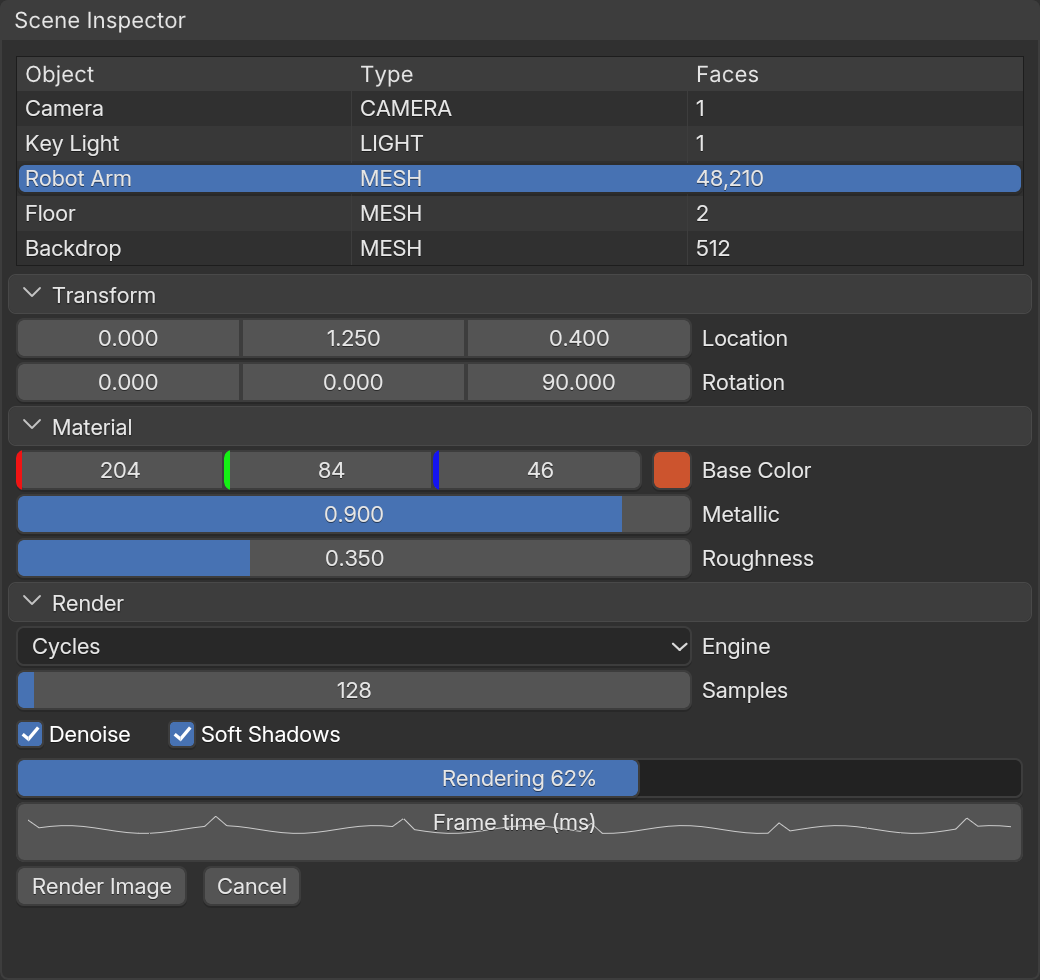
$ cmake -S . -B build -DBUI_IMGUI_BLENDER_WIDGETS=ON && cmake --build build
All 399 functions, from C
cimgui conventions: ImGui::Button is ImGui_Button, references become pointers, every struct keeps its C++ layout.
#include "cimgui.h"#include "cimgui_impl_bui.h"
static void frame(void* user){    float* value = (float*)user;    ImGui_ShowDemoWindow();    ImGui_Begin("Hello");    ImGui_SliderFloat("Value", value, 0.0f, 1.0f);    ImGui_Text("%.2f", *value);    ImGui_End();}
int main(void){    float value = 0.5f;    ImGui_CreateContext();    cImGui_ImplBUI_App* app = cImGui_ImplBUI_CreateApp("Hello", 1280, 800, frame, &value, NULL);    cImGui_ImplBUI_RunApp(app);    cImGui_ImplBUI_DestroyApp(app);    ImGui_DestroyContext();}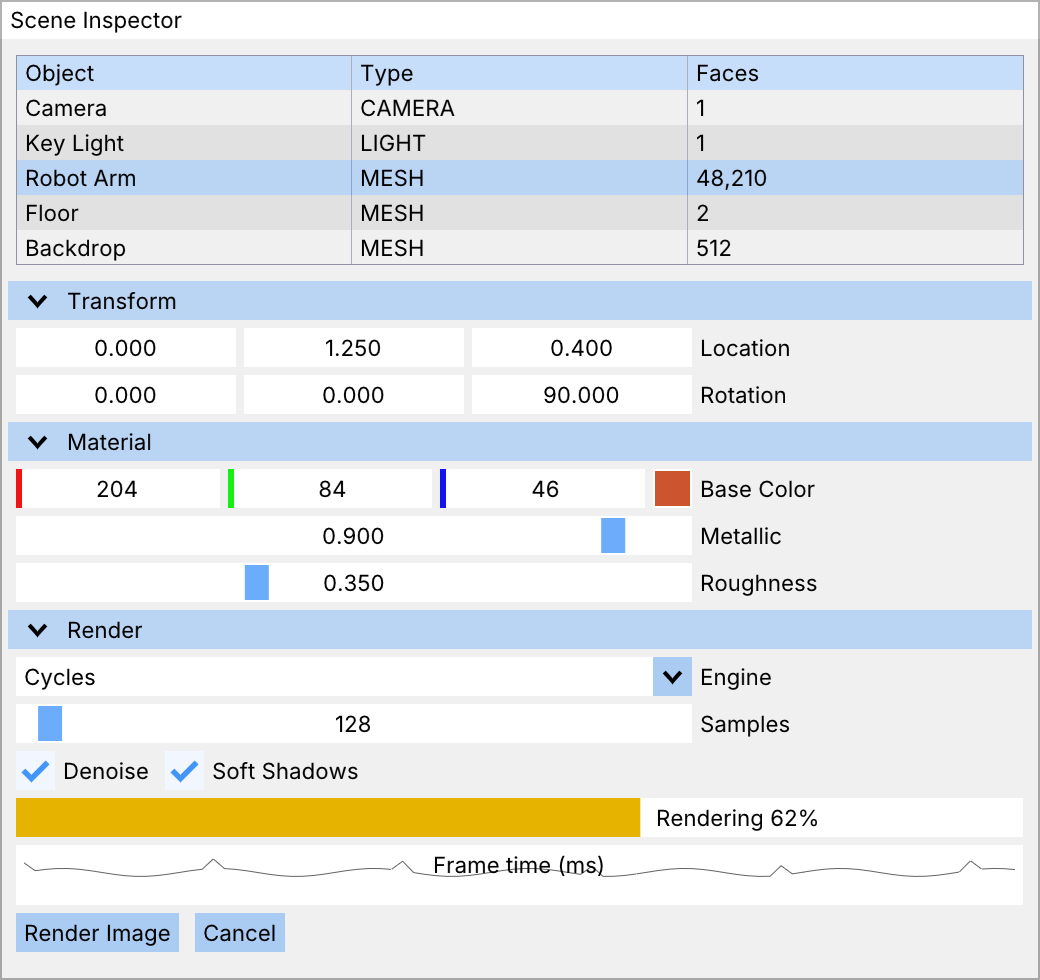
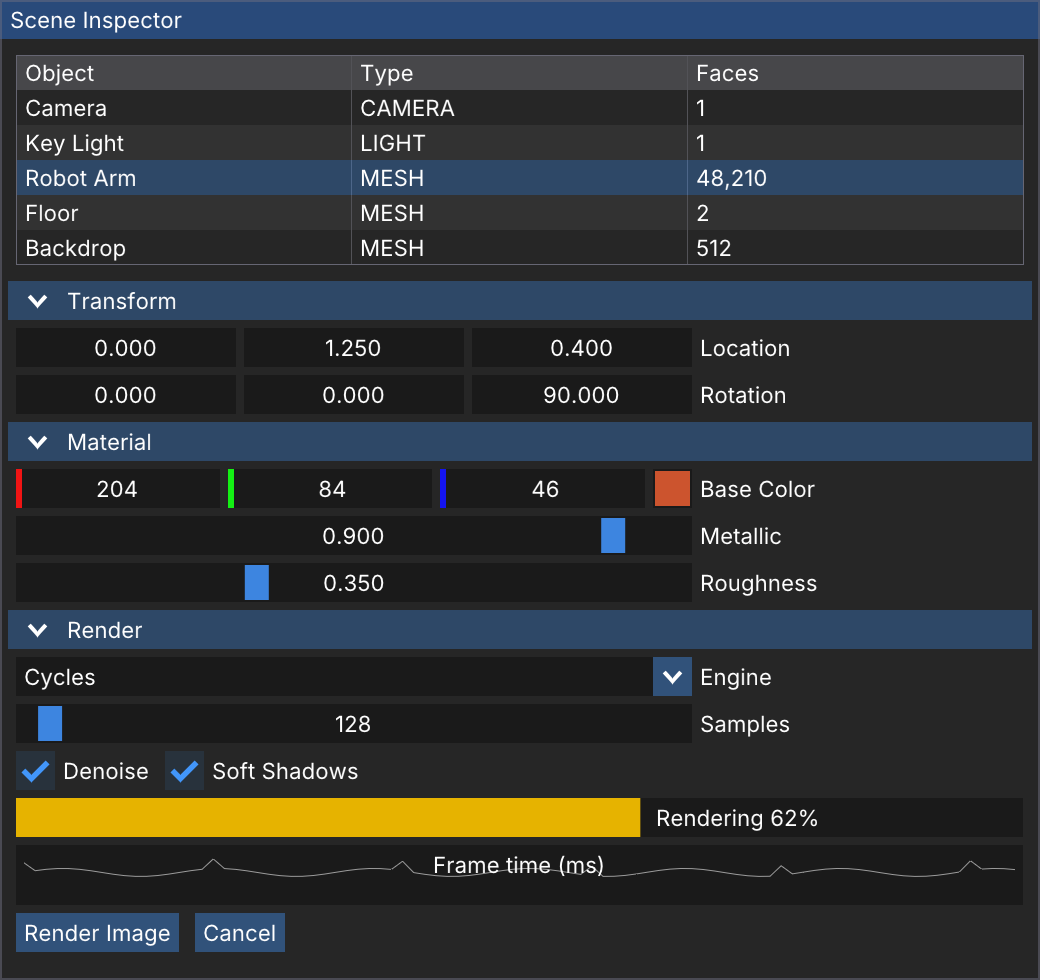
$ cmake -S . -B build && cmake --build build --target bui_imgui_demo_c
pyimgui-style Python
snake_case functions; an in/out value comes back after the result: changed, v = imgui.slider_float(…).
import blenderui.imgui as imgui
state = {"value": 0.5}
def frame():    imgui.show_demo_window()    imgui.begin("Hello")    _, state["value"] = imgui.slider_float("Value", state["value"], 0.0, 1.0)    imgui.end()
imgui.run(frame, title="Hello", size=(1280, 800))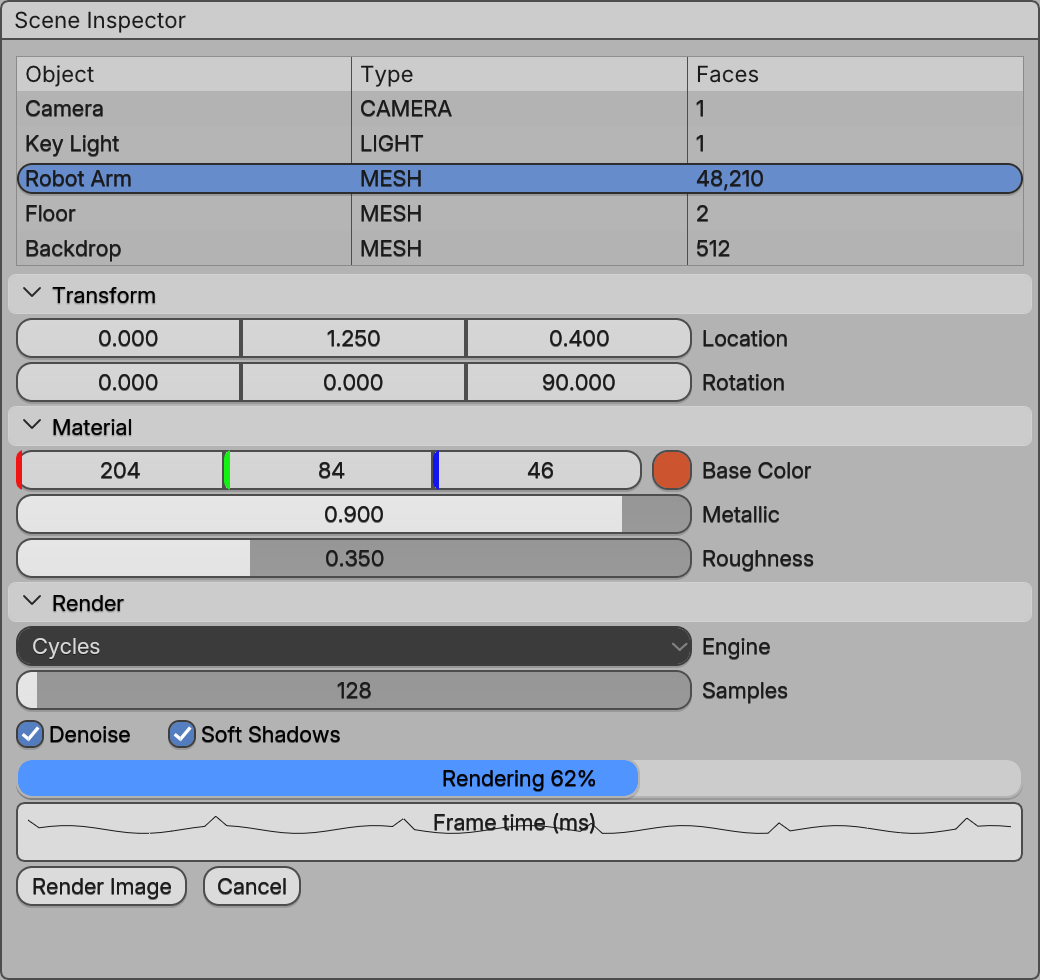
$ pip install blenderui
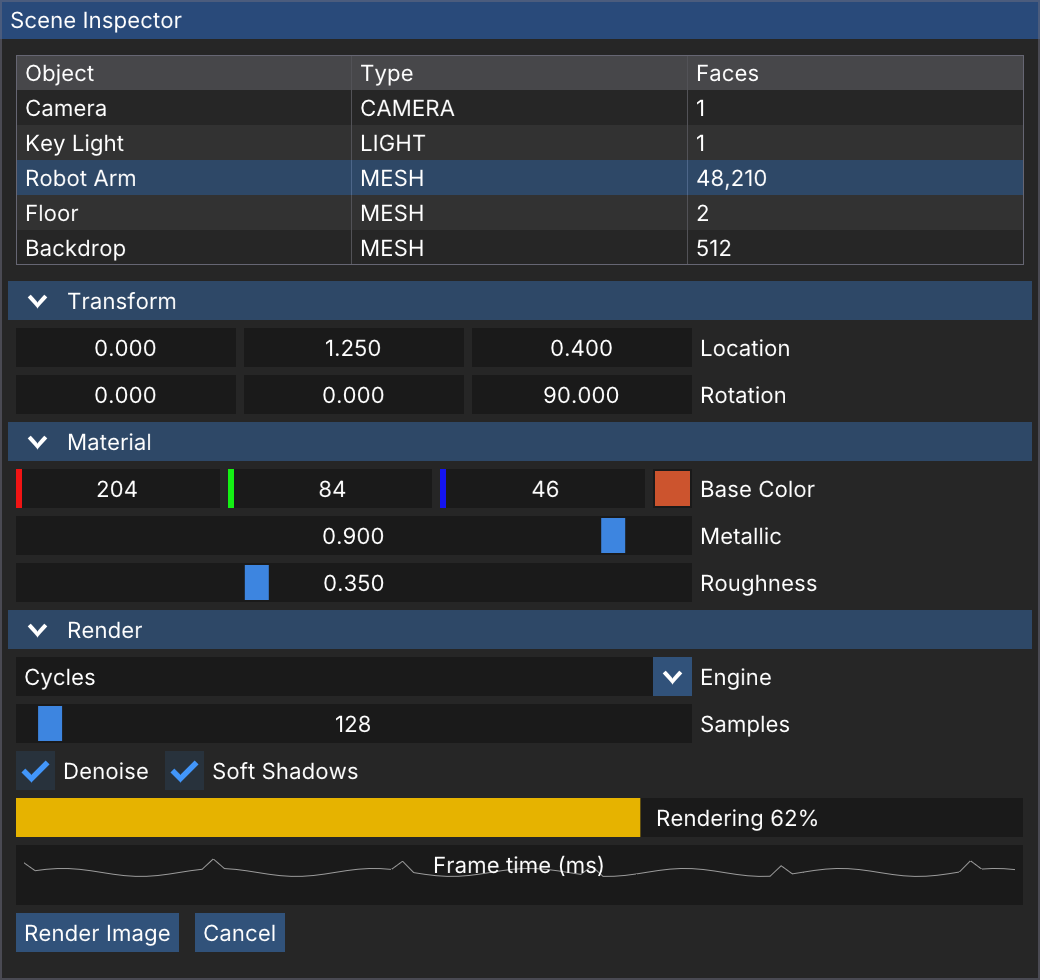
A safe Rust API, and the raw FFI
&mut values for in/out arguments, &str for strings, slices for (pointer, count) pairs. imgui::sys has every C function.
use blenderui_imgui as imgui;
fn main() {    let mut value = 0.5f32;    imgui::run("Hello", [1280, 800], move || {        imgui::show_demo_window();        imgui::begin("Hello");        imgui::slider_float("Value", &mut value, 0.0, 1.0);        if imgui::button("Reset") {            value = 0.5;        }        imgui::text(&format!("value {value:.2}"));        imgui::end();    });}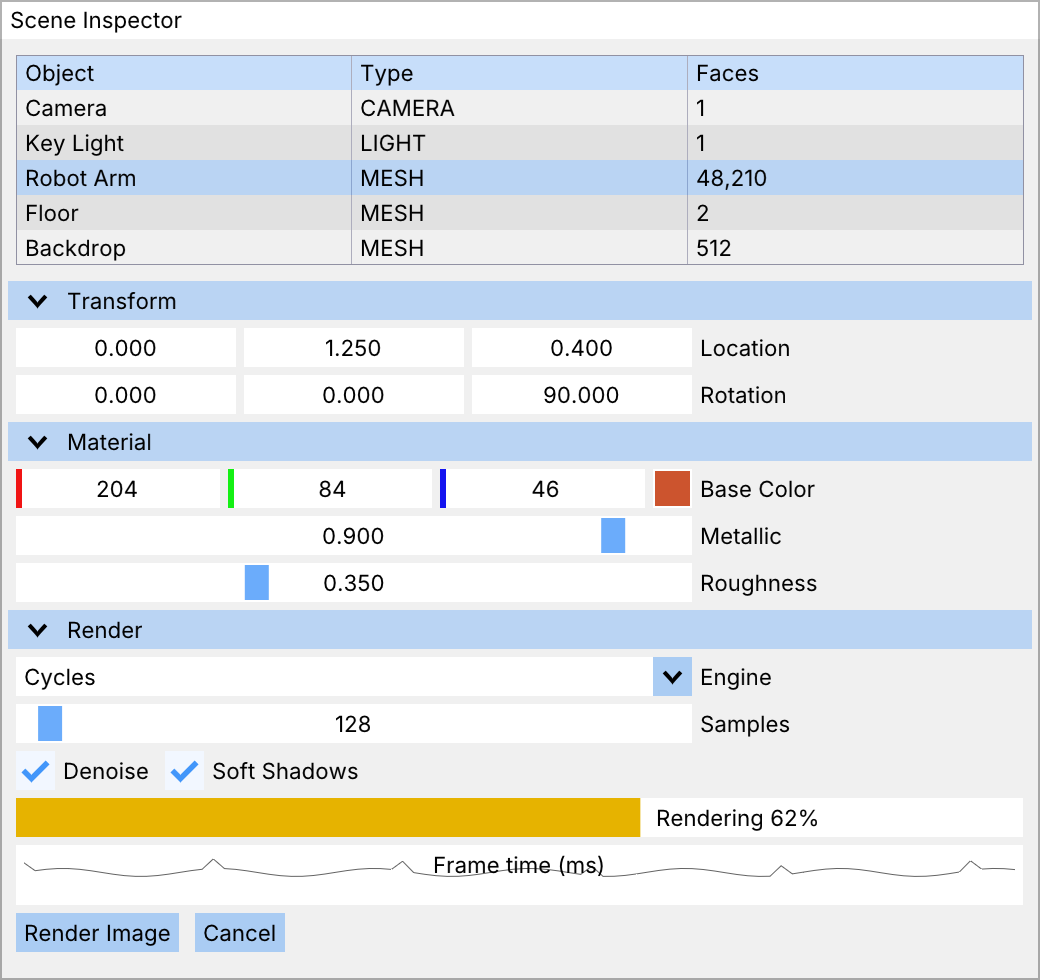
$ cargo run -p blenderui-imgui --example demo
The kit itself, in C
Everything above sits on one C runtime. Build a node tree, set properties, and open a native window.
#include "BUI_kit.h"
int main(void){  BKNode *root = BK_node_new("frame");  BKNode *size = BK_node_new("slider");  BK_set_str(size, "label", "Size");  BK_set_num(size, "max", 10);  BK_set_num(size, "value", 2.5);  BK_node_add(root, size, -1);              /* -1: append */  BK_geom_set_manager(size, BK_GEOM_PACK);  /* Tk's packer */
BKContext *ctx = BK_context_new(root); BKHost host = {0}; /* the window fills it in */ BK_context_set_host(ctx, &host); BKWindow *win = BK_window_new(ctx, "BUI from C", 320, 120); BK_window_show(win); BK_window_run(); return 0;}$ cmake -S . -B build && cmake --build build
Blender components
Blender's own widgets, as components
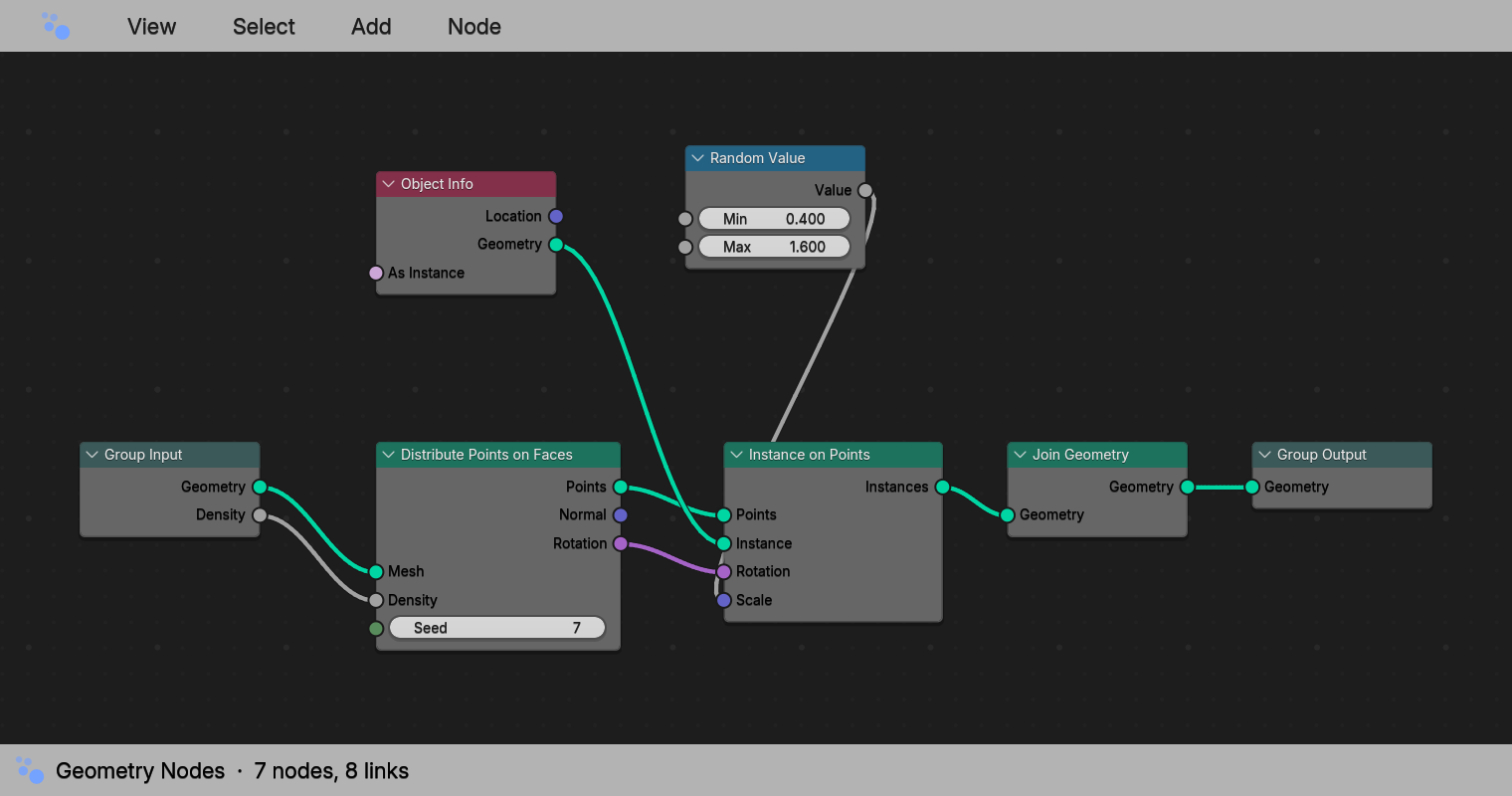
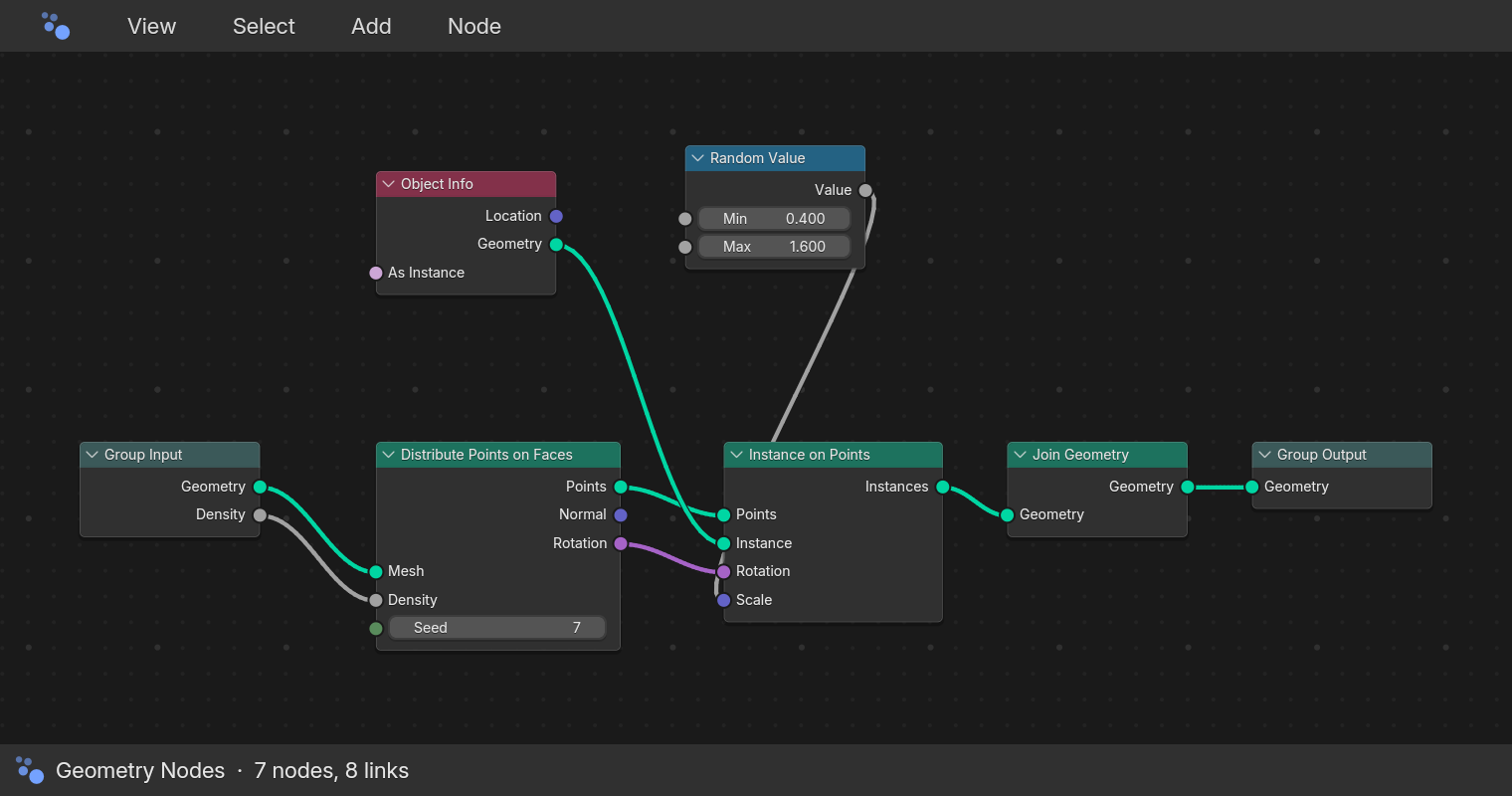
Not look-alikes: the number fields, sliders, color picker and node editor are ported from Blender's source, behaviour included.
Try a Blender number field
- 1Drag a number sideways to scrub it. Shift is finer, Ctrl snaps.
- 2Click a field and type 2*pi or 90/4: Blender's expression evaluator.
- 3Ctrl+Z undoes it. A whole drag is one step.
Location
Render
A browser sketch of the feel. In BUI these widgets are native, drawn by the C kit.
45 widgets and editors, from Python
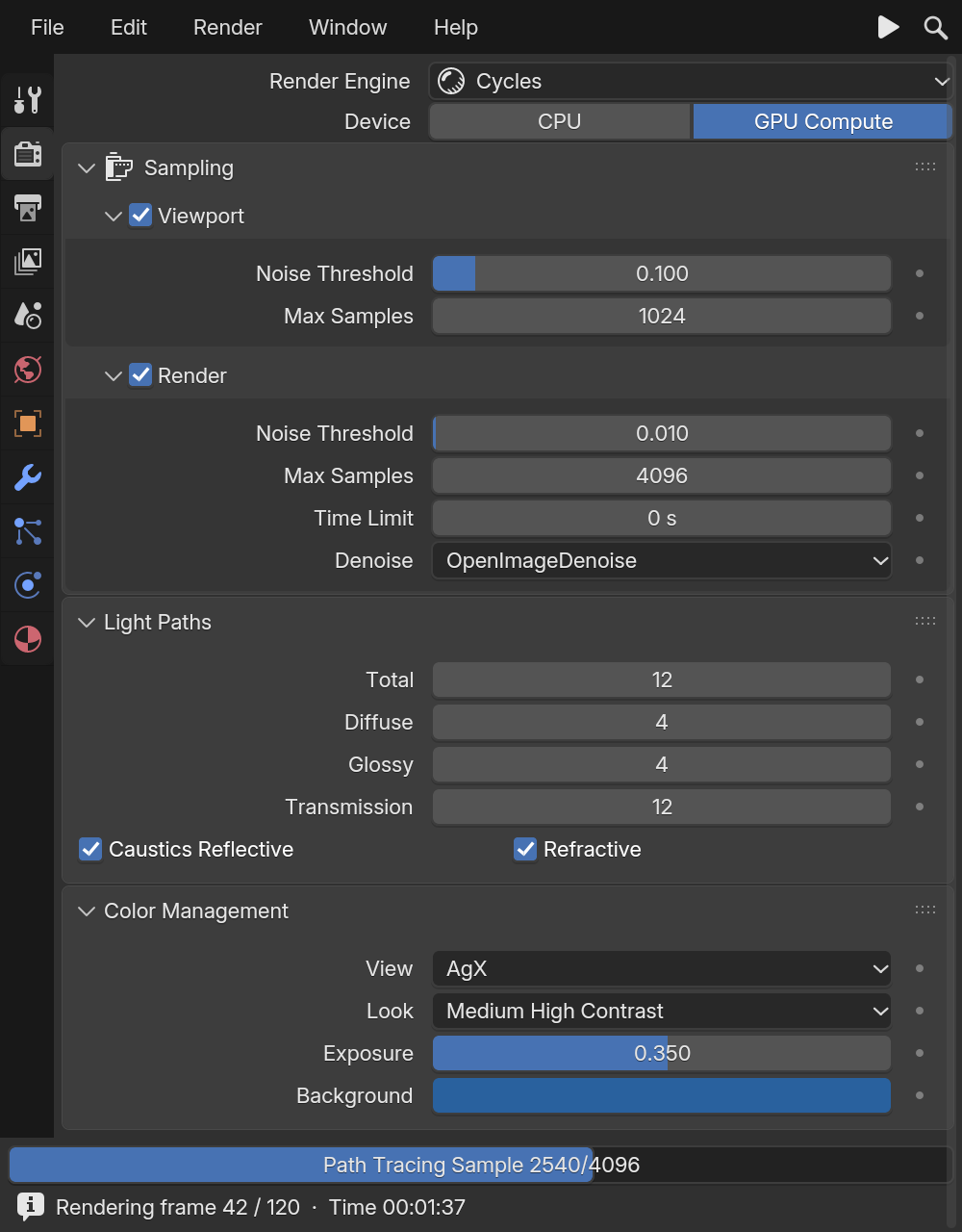
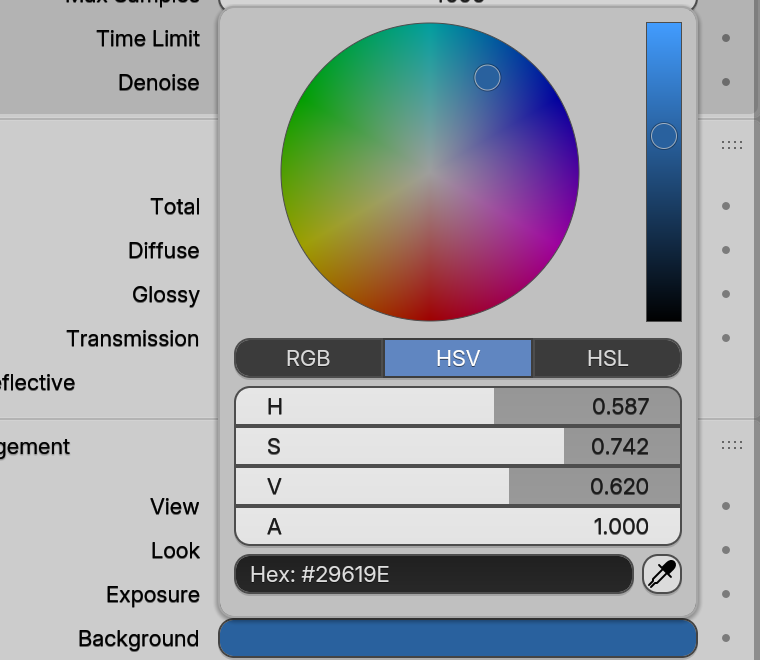
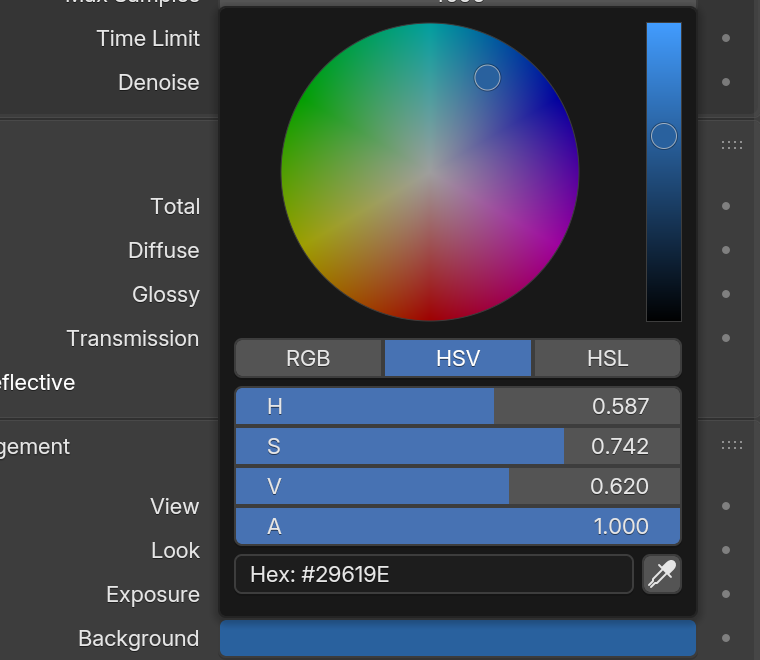
Panels, number sliders, the color picker, pie menus, tree views and a node editor: Blender's own, ported from interface_widgets.cc.
from blenderui.components import App, Panel, NumberSlider, VectorField, Checkbox, ColorSwatch, Button
App("Object", (420, 520),    Panel("Transform",          VectorField("Location", (0.0, 1.25, 0.0)),          NumberSlider("Scale", 1.0, min=0, max=10, on_change=print)),    Panel("Shading",          Checkbox("Shadows", True),          ColorSwatch("Color", (0.8, 0.3, 0.1, 1.0))),    Button("Apply", on_click=lambda: print("apply")),).run()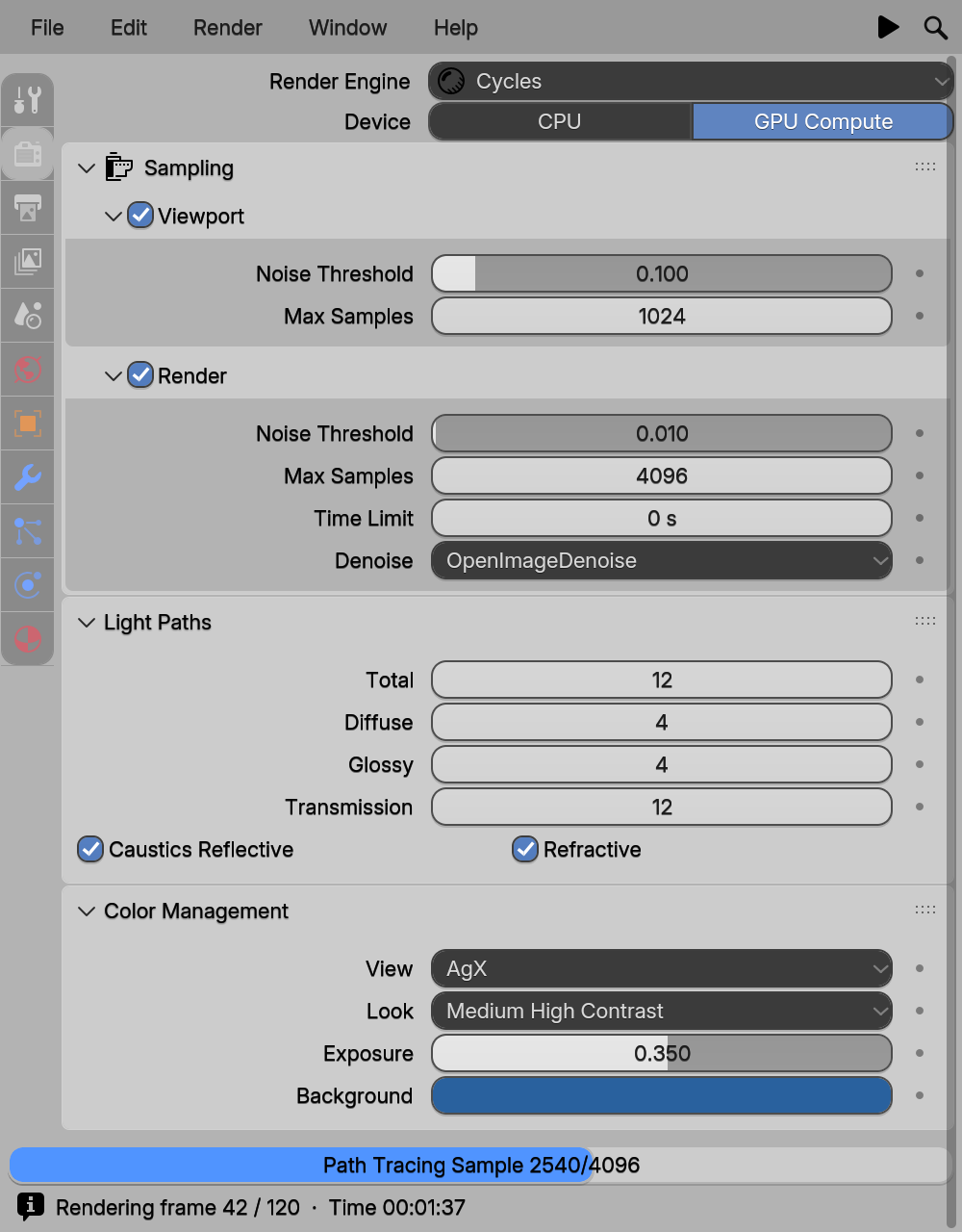
How it feels
Blender's interaction rules, in your app
The habits Blender users rely on all day come along for free, in every language BUI speaks.
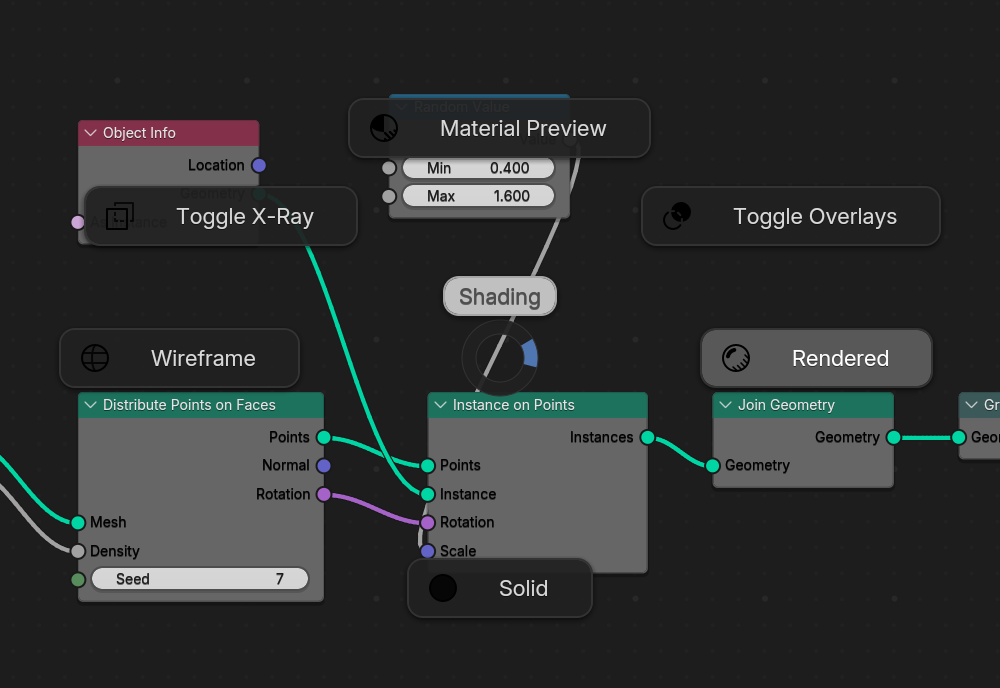
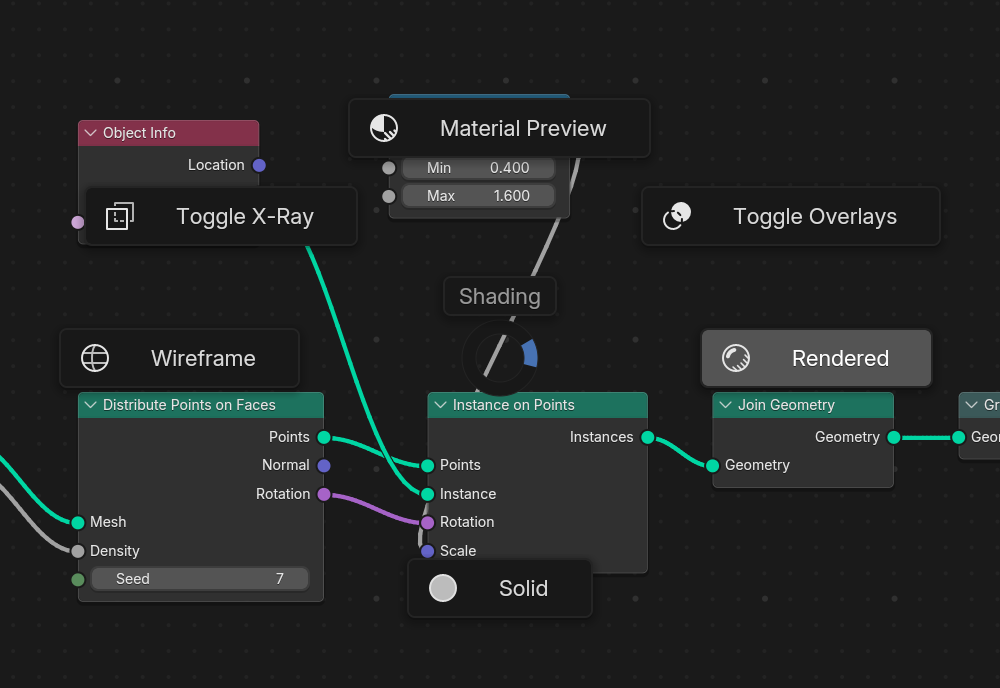
Pie menus
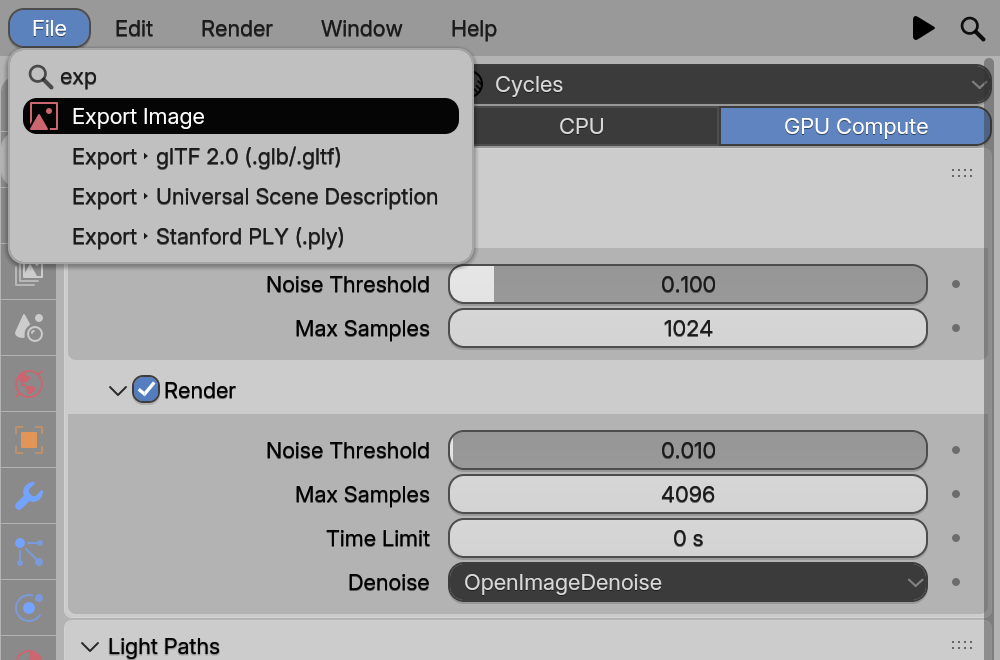
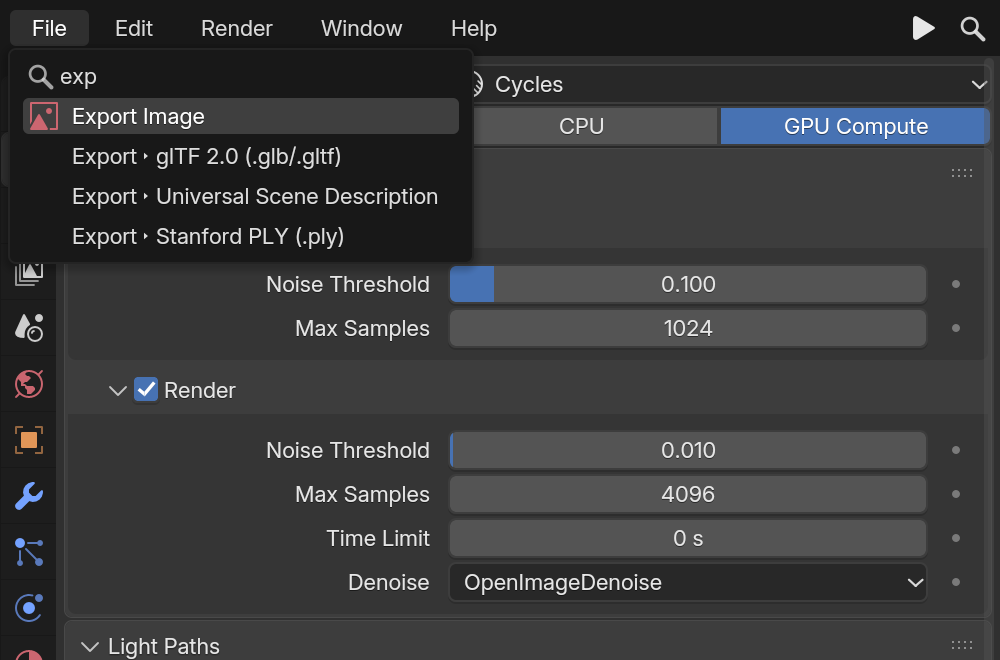
Press a key, flick toward a choice, release. Point here to aim.
Menu search that gets you
“ad cu” finds Add Cube; typos are forgiven. It's Blender's search, ported, and it also runs this site's .
- Add Cube
- Add Cylinder
- Add Camera
- Add Light
- Apply Scale
- Apply Rotation
- Shade Smooth
- Shade Flat
- Duplicate Objects
- Delete
- Join
- Set Origin to Geometry
- Snap Cursor to Selected
- Mark Seam
- Subdivide
Your fingers already know it
The keyboard habits of Blender users, in every app.
- steps a valueCtrl+Wheel
- copy and paste valuesCtrl+C/Ctrl+V
- resets to the defaultBackspace
- moves between fieldsTab
Press, drag, release
Menus open on press and pick on release, so a whole choice is one gesture. Drag across checkboxes to set them all.
Multi-field drags
Drag down across X, Y and Z to edit all three at once. Panels collapse with Blender's own animation.
Real Blender code
Widget drawing is a C port of interface_widgets.cc; interaction follows interface_handlers.cc.
Platforms
Native on Windows and Linux
With macOS written and waiting for its first real Mac.
| Feature | Windows | Linux | macOS |
|---|---|---|---|
| Window | Native (Win32) | Native (X11; Wayland via XWayland) | ExperimentalNative (Cocoa) |
| Python (pip install) | WorksWheels | WorksWheels | WorksWheels |
| Rust | Works | WorksBuild from source | Experimental |
| JavaScript / React | WorksPrebuilt on npm | WorksBuild the addon from source | PartialHeadless for now |
| C, C++, Dear ImGui | Works | Works | Experimental |
| Renderer | CPU raster, or GPU (Direct3D 11) | CPU raster, or GPU (OpenGL 3.3) | CPU raster |
| HiDPI | Per-monitor DPI | Xft.dpi | Retina |
ExperimentalThe macOS window host is a port of Blender's Cocoa code (GHOST): written, but not yet run on a Mac. Python can use the standard Tk window there meanwhile (BUI_HOST=tk). If you have a Mac and a free afternoon, you could be the first: the macOS testing guidewalks you through it.
What's coming
On the roadmap
Honest status: these aren't built yet. Follow along, or pick one up.
- In progress
macOS, tested
The Cocoa host is written but untested. Next: running it on a real Mac (testers welcome), then the GPU renderer and JavaScript windows there.
- Planned
WebAssembly
The kit in the browser: the raster blits to a <canvas>, and React and the DOM-like API run on top, unchanged.
- Planned
egui
BUI panels inside egui apps, plus a Blender-styled egui theme.
- Planned
More languages
MyGo, C#, Go, Zig, Swift, Kotlin and Lua over the same C header; Godot, Unity, Bevy and Flutter.
- Planned
Font fallback and IME
Per-glyph fallback (Blender's BLF), input methods, units in number fields and widget drag and drop.
- Planned
Vulkan and WebGPU
More GPU backends drawing the same instance stream as Direct3D 11 and OpenGL.
- Soon
blenderui-imgui on crates.io
blenderui is on crates.io already. The Dear ImGui crate is next; until then it's a git dependency.
- In progress
More Qt
Model/view classes, docks, toolbars, splitters and Qt stylesheets, on top of today's everyday subset.
Ready when you are