
Dear ImGui from Python
The real Dear ImGui in Python with blenderui.imgui, pyimgui-style calls, a one-line window with imgui.run, and headless testing.
- Python
- Dear ImGui
Immediate-mode UI is wonderfully direct: every frame, you just say what’s on screen. blenderui.imgui brings the real Dear ImGui to Python, in Blender’s look, with a window in one call. It comes with pip install blenderui: nothing else to install, nothing to compile. (The very first wheels, 0.1.0, predate it; if import blenderui.imgui fails, run pip install -U blenderui.)
If you’ve used pyimgui, the calls will feel familiar: snake_case names, and changed values come back as return values.
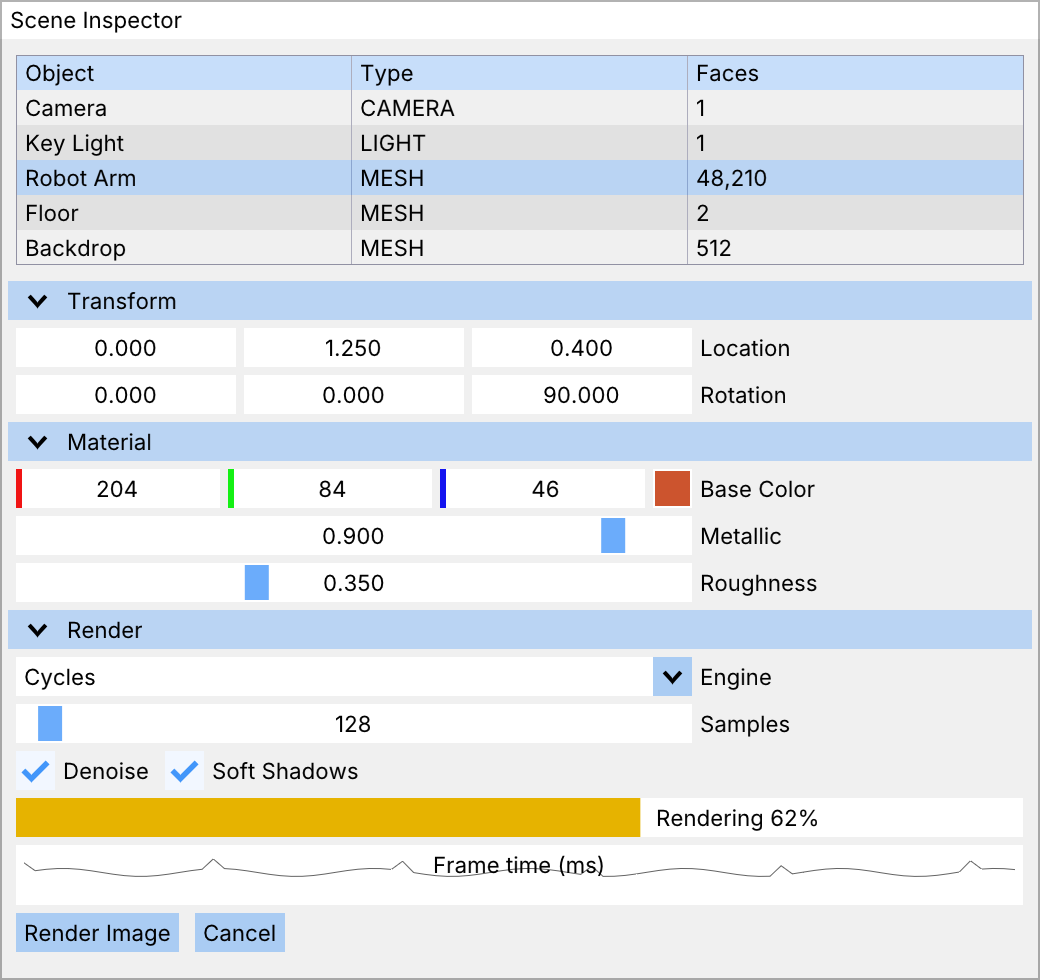
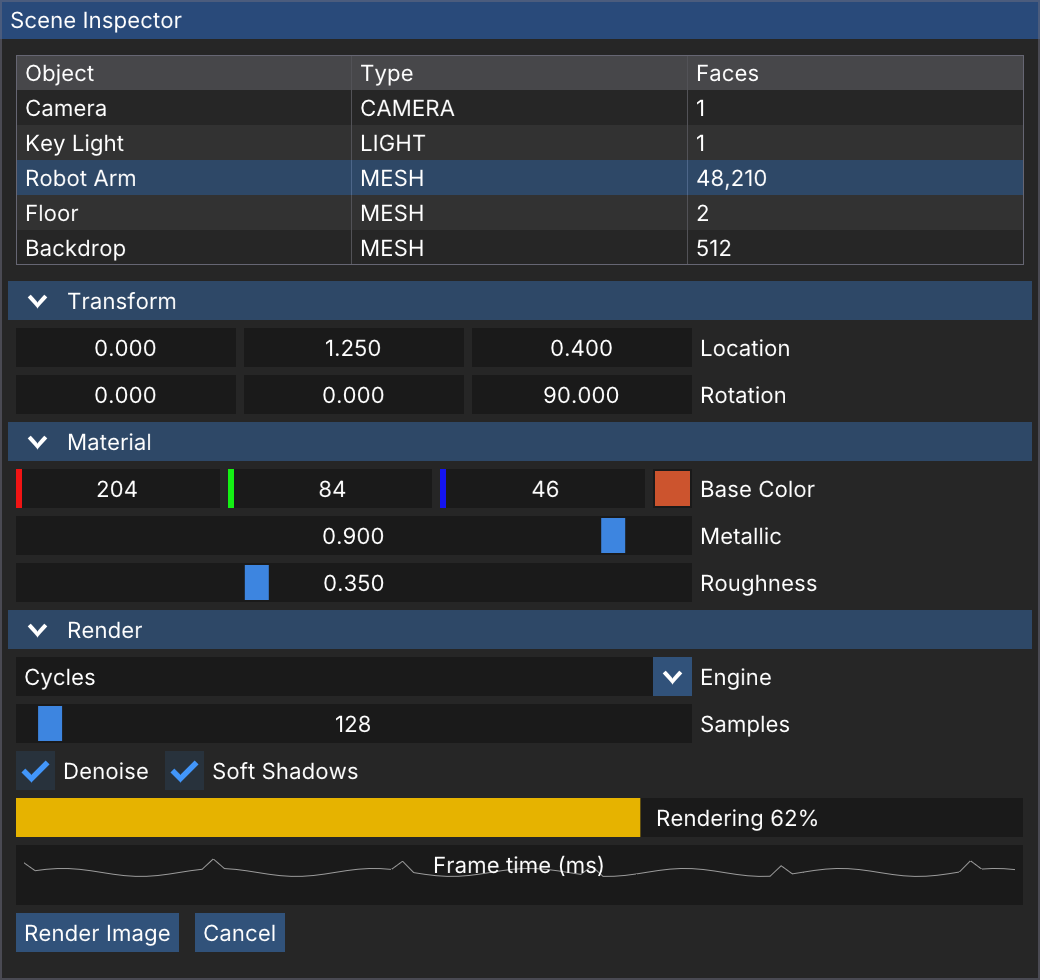
blenderui.imgui, with ImGui's own widgets and colors (examples/site/imgui_inspector.py).A window in 15 lines
import blenderui.imgui as imgui
state = {"value": 0.5, "text": "Edit me", "opened": True}
def frame():    imgui.show_demo_window()    expanded, state["opened"] = imgui.begin("Hello", state["opened"])    changed, state["value"] = imgui.slider_float("Value", state["value"], 0.0, 1.0)    changed, state["text"] = imgui.input_text("Text", state["text"])    if imgui.button("Reset"):        state["value"] = 0.5    imgui.text("value %.2f" % state["value"])    imgui.end()
imgui.run(frame, title="Hello", size=(1280, 800))
Run it with python hello_imgui.py. You get ImGui’s demo window and your own small window, with a slider, a text field and a button.
frame()runs once per ImGui frame. Everything you call inside it is on screen for that frame.imgui.run(frame, title=..., size=...)opens a BUI window and callsframeuntil you close it. It creates the ImGui context for you if none exists.- An exception in
framecloses the window and comes out ofimgui.run, so you see the traceback as usual.
imgui.run also takes blender_style=, blender_font=, font_size= and ini_file= (where ImGui saves window positions; None, the default, saves nothing).
How C++ calls become Python
ImGui’s C++ API passes values by pointer so widgets can change them. Python can’t do that, so the new value comes back after the usual result:
changed, value = imgui.slider_float("Value", value, 0.0, 1.0)changed, (r, g, b) = imgui.color_edit3("Color", (r, g, b))h, s, v = imgui.color_convert_rgb_to_hsv(1, 0, 0) # pure outputs are just returnedThe rest follows a handful of rules:
| C++ | Python |
|---|---|
ImGui::SliderFloat(...) |
imgui.slider_float(...): snake_case |
bool* p_open (may be NULL) |
Pass a value, or None for NULL: imgui.begin("Window") has no close button |
ImVec2, ImVec4 arguments |
Tuples: (x, y). Results are imgui.Vec2 / imgui.Vec4 named tuples (pos.x) |
ImGui::Text("%d items", n) |
One string: imgui.text("%d items" % n) |
| A pointer and a count | A list: imgui.combo("Combo", current, ["a", "b"]), imgui.plot_lines("Plot", values) |
char* buf, size_t size in InputText* |
A str of any length, returned changed: the buffer grows for you |
Overloads (PushID(str), PushID(int)) |
One name that tries each: imgui.push_id("x"), imgui.push_id(3). Each also keeps its own name (push_id_int) |
ImGuiWindowFlags_NoTitleBar |
imgui.WINDOW_NO_TITLE_BAR, or the C++ name imgui.ImGuiWindowFlags_NoTitleBar |
Lost? help(imgui.begin) shows the Python signature and the C++ function it calls.
Structs, methods and constructors
Structs are objects, and their fields have both snake_case and C++ names:
# inside frame(), between imgui.begin() and imgui.end()io = imgui.get_io()io.config_flags |= imgui.CONFIG_NAV_ENABLE_KEYBOARDio.ini_filename = Noneprint(io.display_size)
imgui.get_style().colors[imgui.COL_TEXT] = (1, 1, 1, 1)
draw_list = imgui.get_window_draw_list()draw_list.add_line((10, 10), (100, 50), imgui.im_col32(255, 0, 0))- Arrays and
ImVectors are indexable views:style.colors[...],io.fonts.fonts[0]. - Constructors are classes:
imgui.ImGuiListClipper(),imgui.ImGuiTextFilter("x"),imgui.ImGuiStorage(). They’re deleted with the Python object. imgui.im_col32(r, g, b, a=255)packs a colour, like C++’sIM_COL32.
Testing without a window
imgui.HeadlessApp renders into an off-screen raster, and you feed it input as a window would. Perfect for tests and screenshots in CI:
import blenderui.imgui as imgui
def frame():    imgui.begin("Test")    imgui.button("OK")    imgui.end()
with imgui.HeadlessApp(frame, size=(800, 600)) as app:    app.render(3)                 # request and run 3 frames    app.click(100, 40)            # also mouse_move, mouse_down, mouse_up, scroll    app.type_text("hello")        # key("Return"), key("a", imgui.BK_CTRL)    w, h, pixels = app.pixels()   # BGRA bytes    app.save_png("shot.png")
bindings/python/tests/test_imgui.py is a full example: widgets, drags, the wheel, typing, struct fields and the demo windows, all headless.
Blender widgets from Python
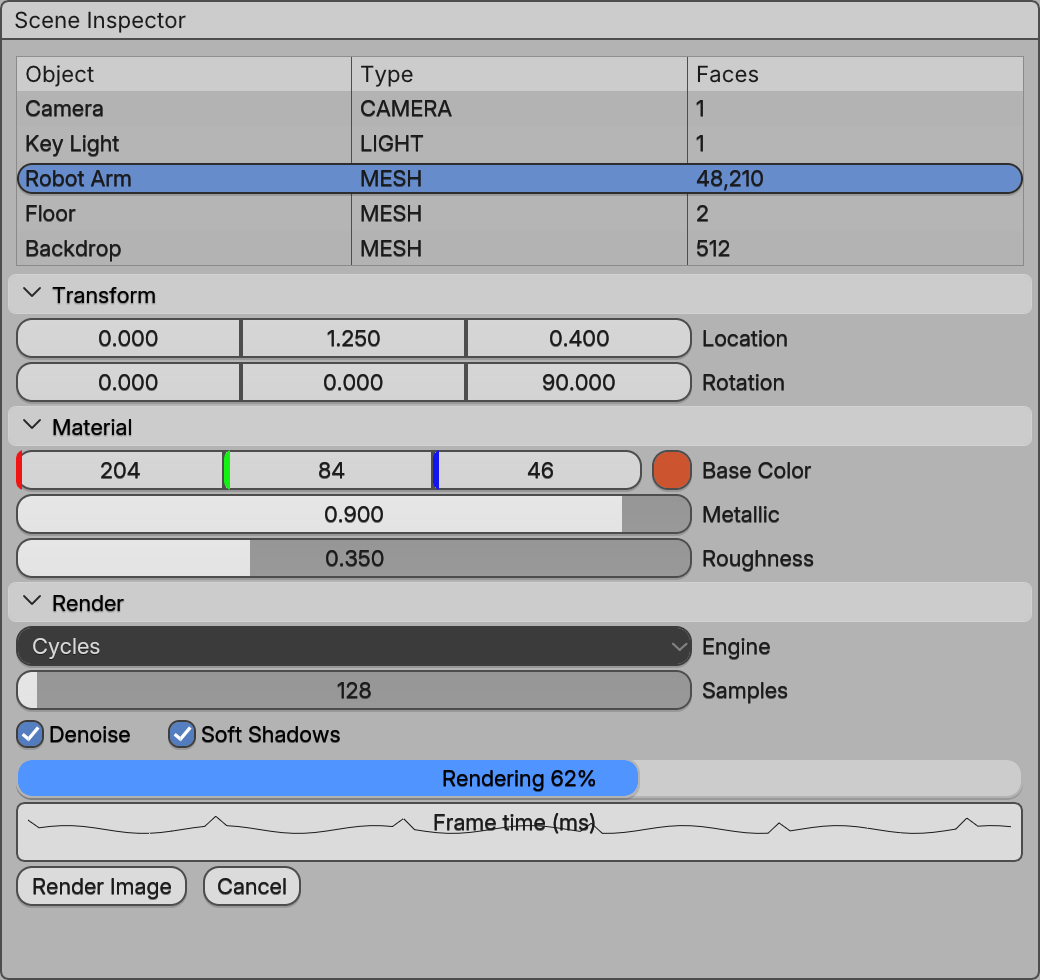
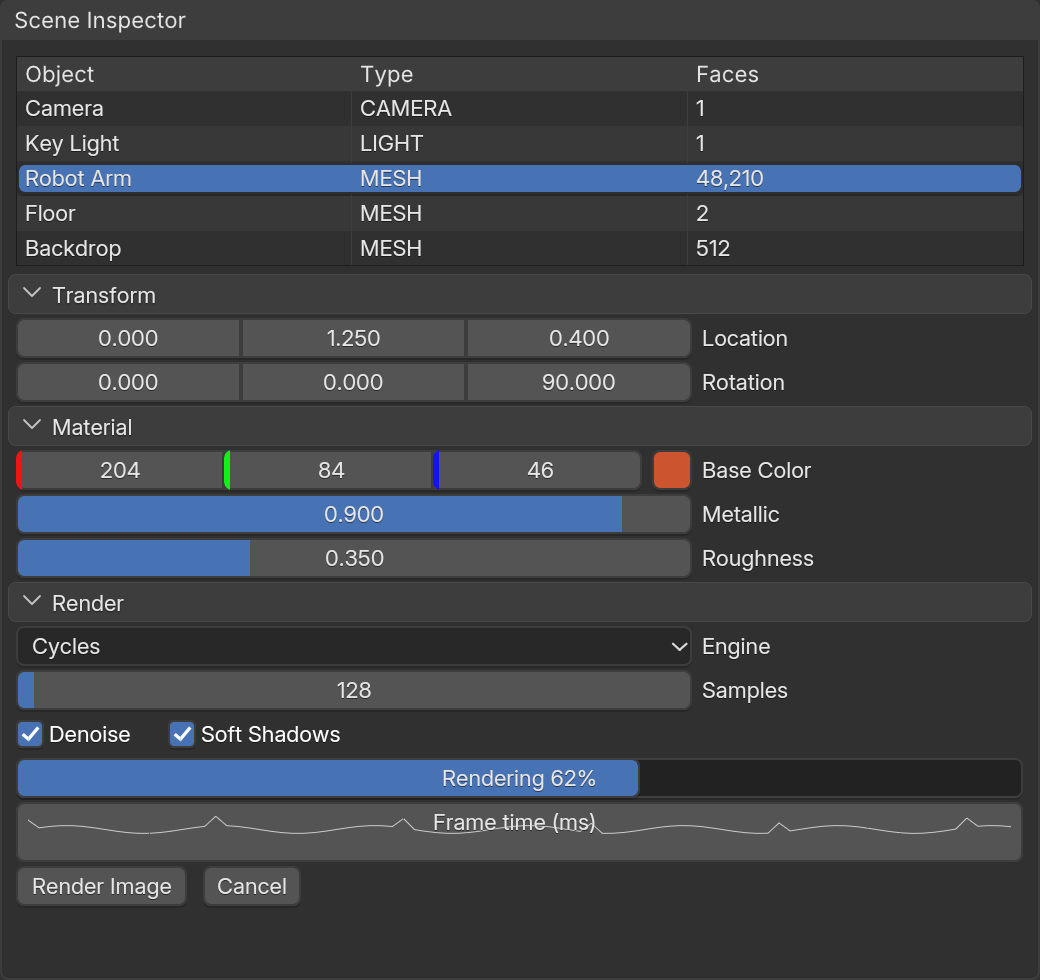
The switch for Blender widgets is there in Python too: imgui.has_blender_widgets(), imgui.get_blender_widgets() and imgui.set_blender_widgets(on). The UI scale is imgui.get_ui_scale() and imgui.set_ui_scale(scale).
What’s not in Python
Python binds 366 of ImGui’s 399 functions. The rest need something Python can’t pass safely: a C va_list (use the normal functions and format first), an untyped void* (use the typed versions: drag_float, input_int …) or a C callback. The coverage page lists every one.
Next steps
Last updated